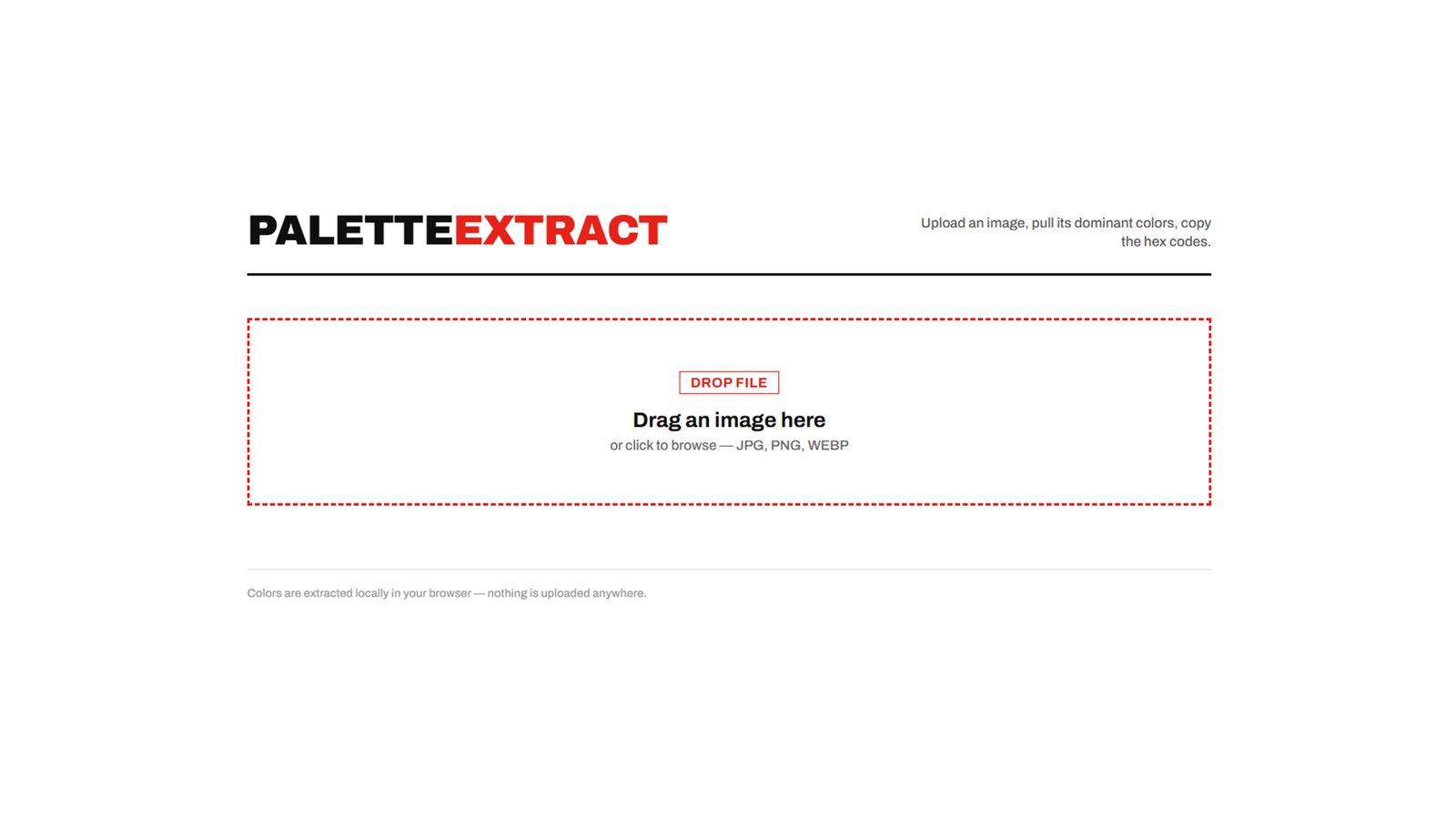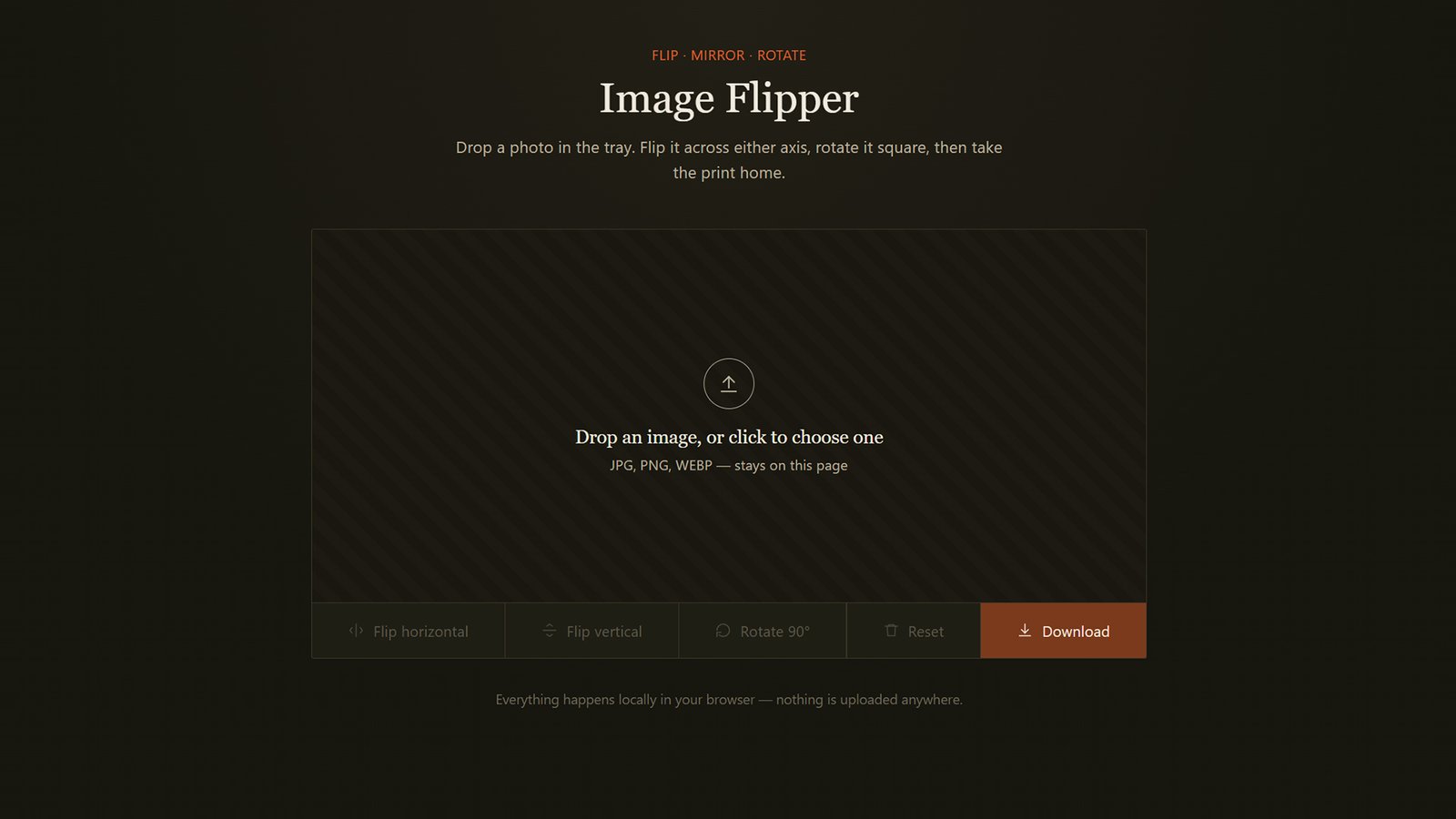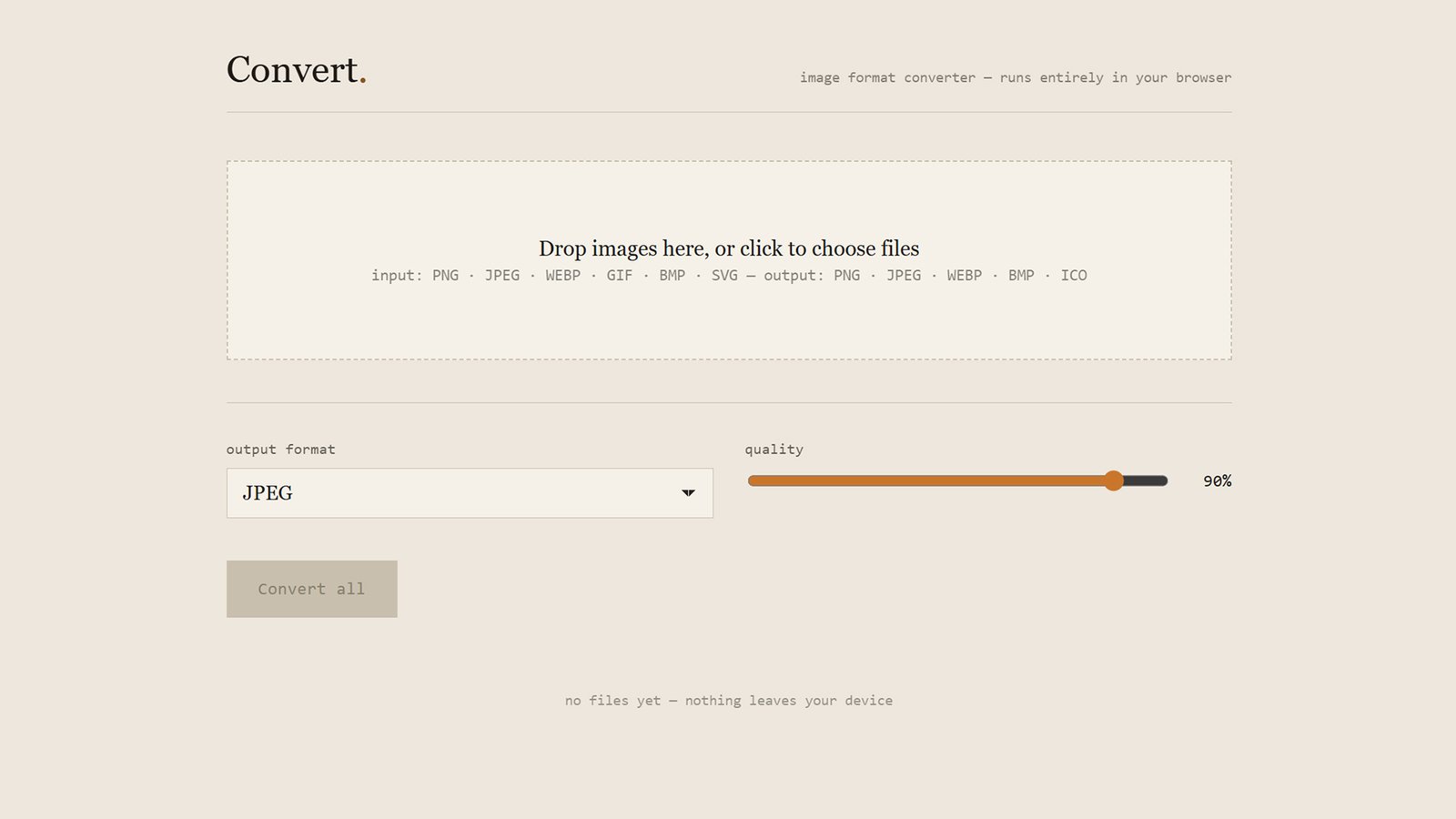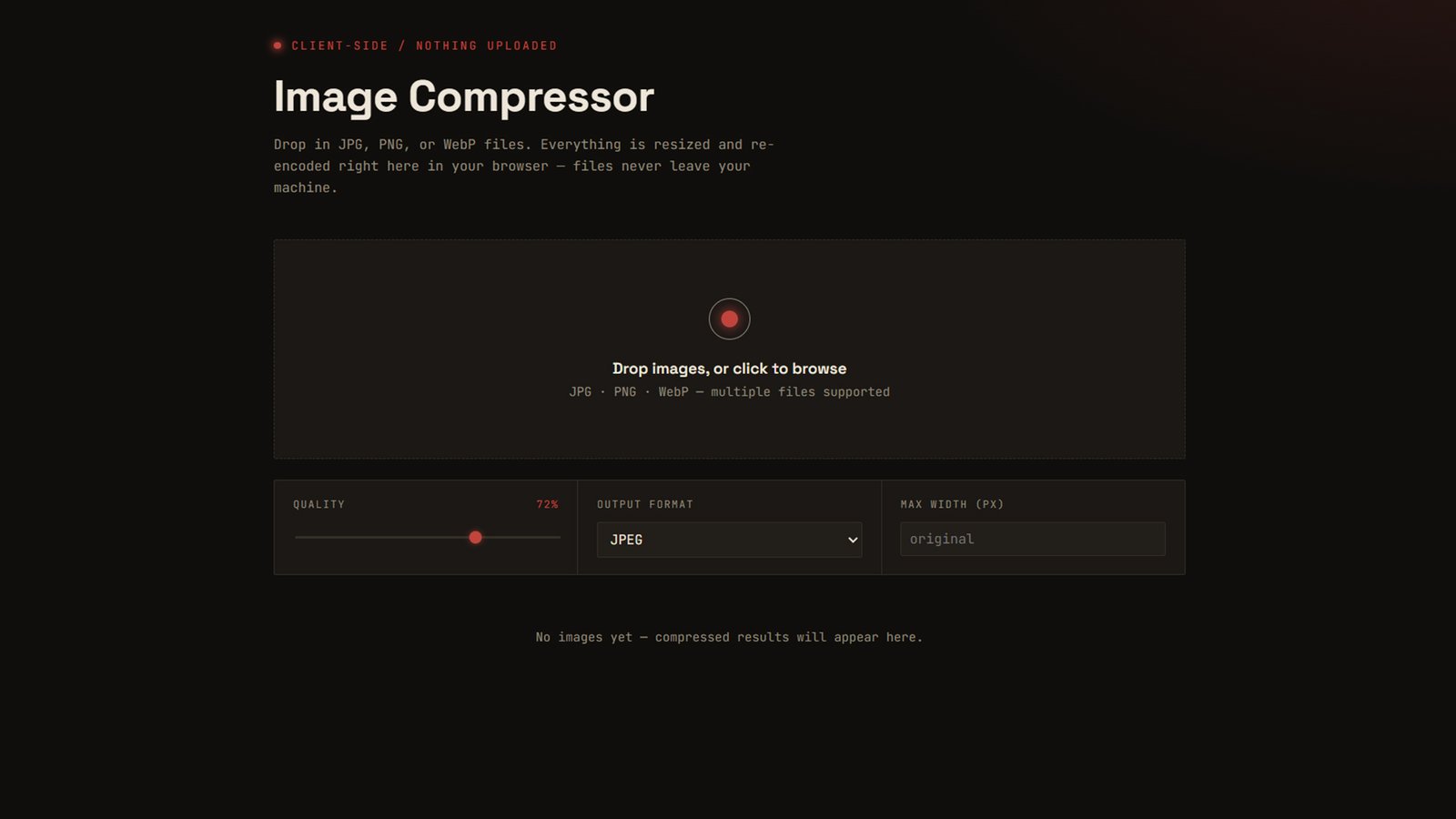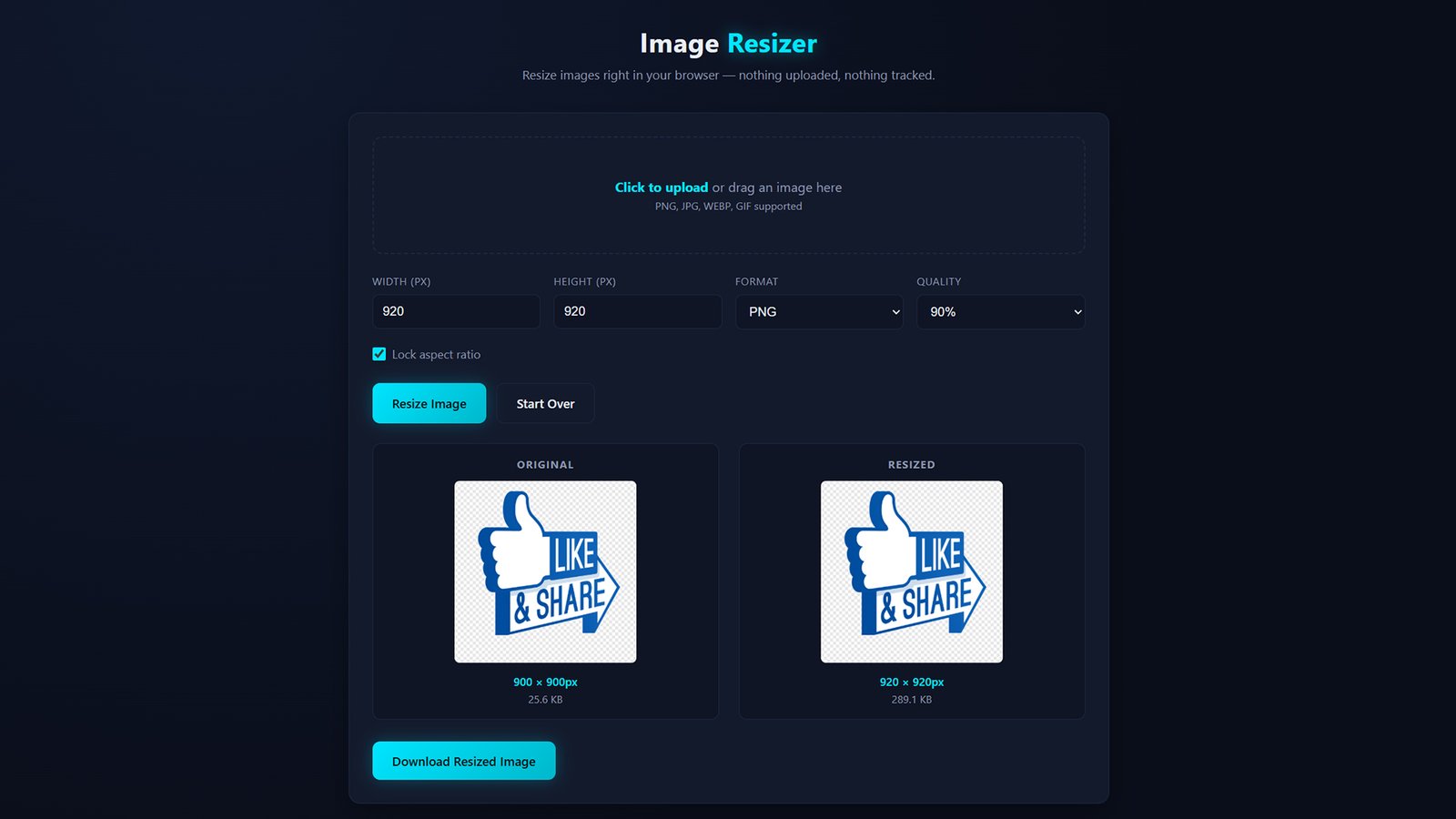
The Image Resizer lets you change the dimensions of any image directly in your browser — no software to install and no files sent to a server. Drag and drop an image, enter your target width and height (with an aspect-ratio lock so nothing gets stretched), pick an output format, and download the result instantly.
Whether you’re prepping images for a website, shrinking a photo for email, or standardizing thumbnail sizes for a project, the Image Resizer handles it in seconds. Choose from PNG, JPG, or WEBP output, adjust compression quality to balance file size against clarity, and compare the original and resized versions side by side before you download — complete with a size comparison so you know exactly how much space you saved.
Because everything runs client-side using your browser’s built-in canvas rendering, your images are never uploaded anywhere. What you resize stays completely private.
Feature bullets (for a features/FAQ section):
- Set exact pixel width and height, with optional aspect-ratio lock
- Export as PNG, JPG, or WEBP
- Adjustable quality/compression for JPG and WEBP
- Side-by-side original vs. resized preview
- Live file-size comparison
- 100% client-side — images never leave your browser
- Drag-and-drop or click-to-upload