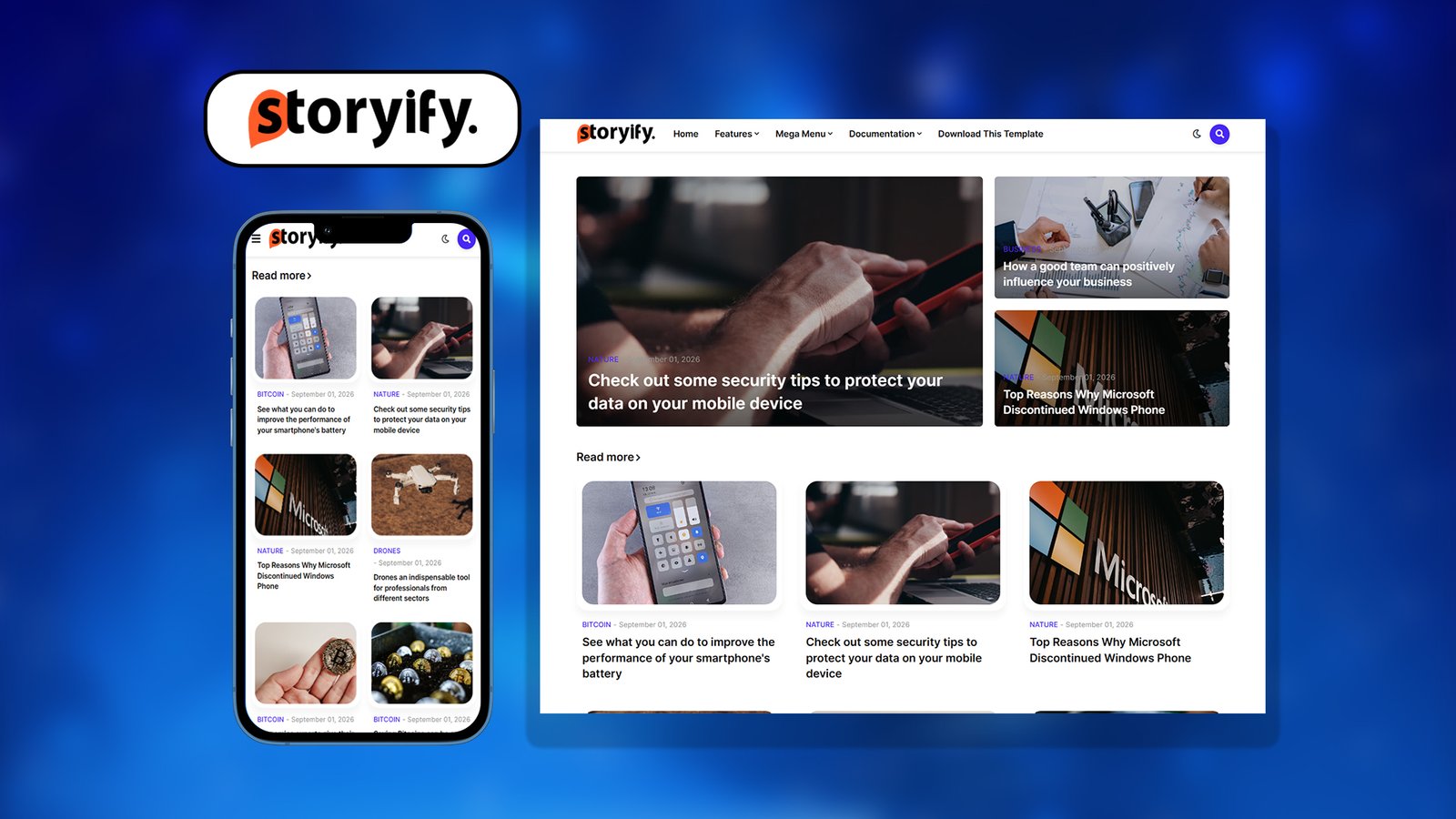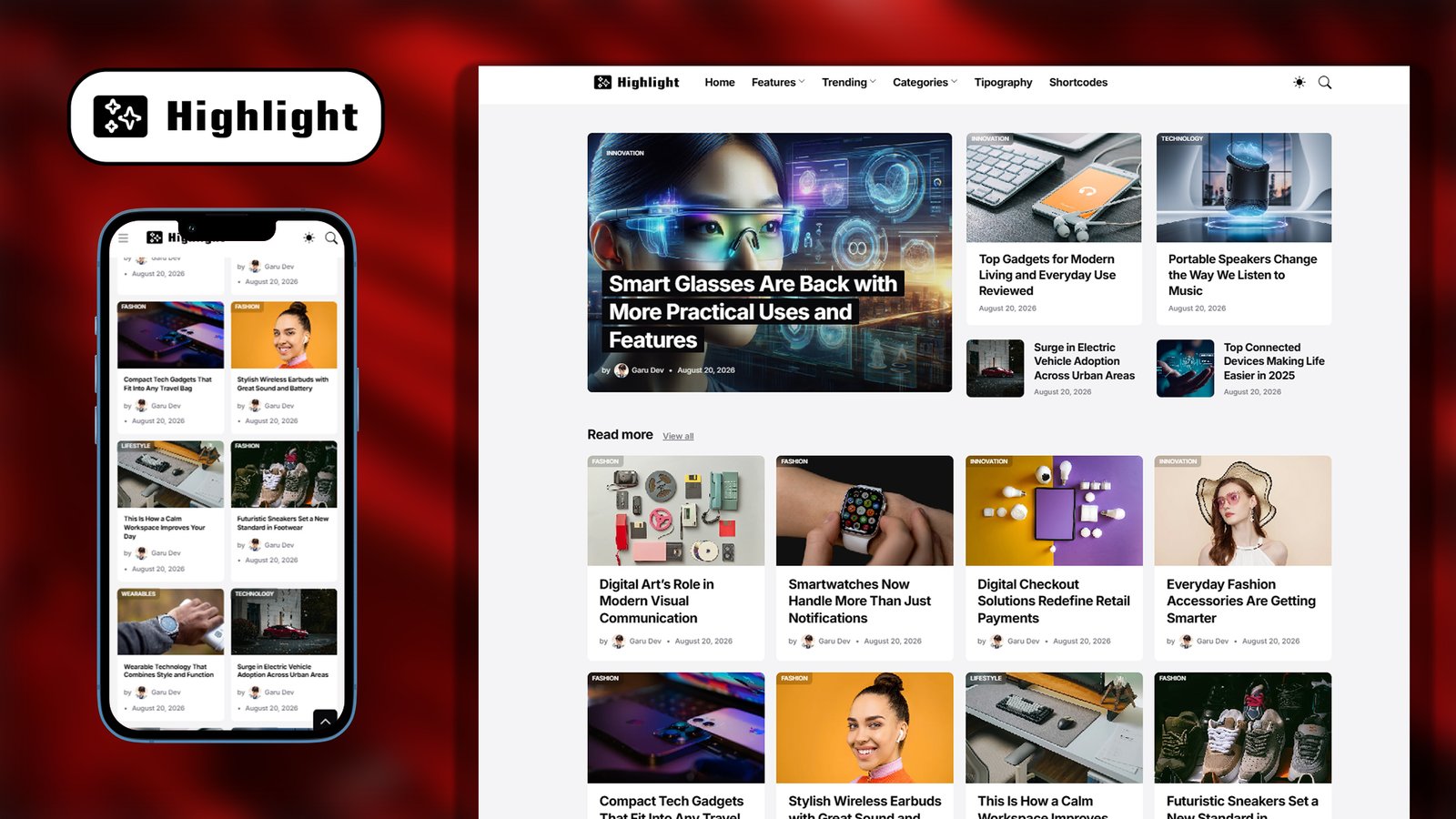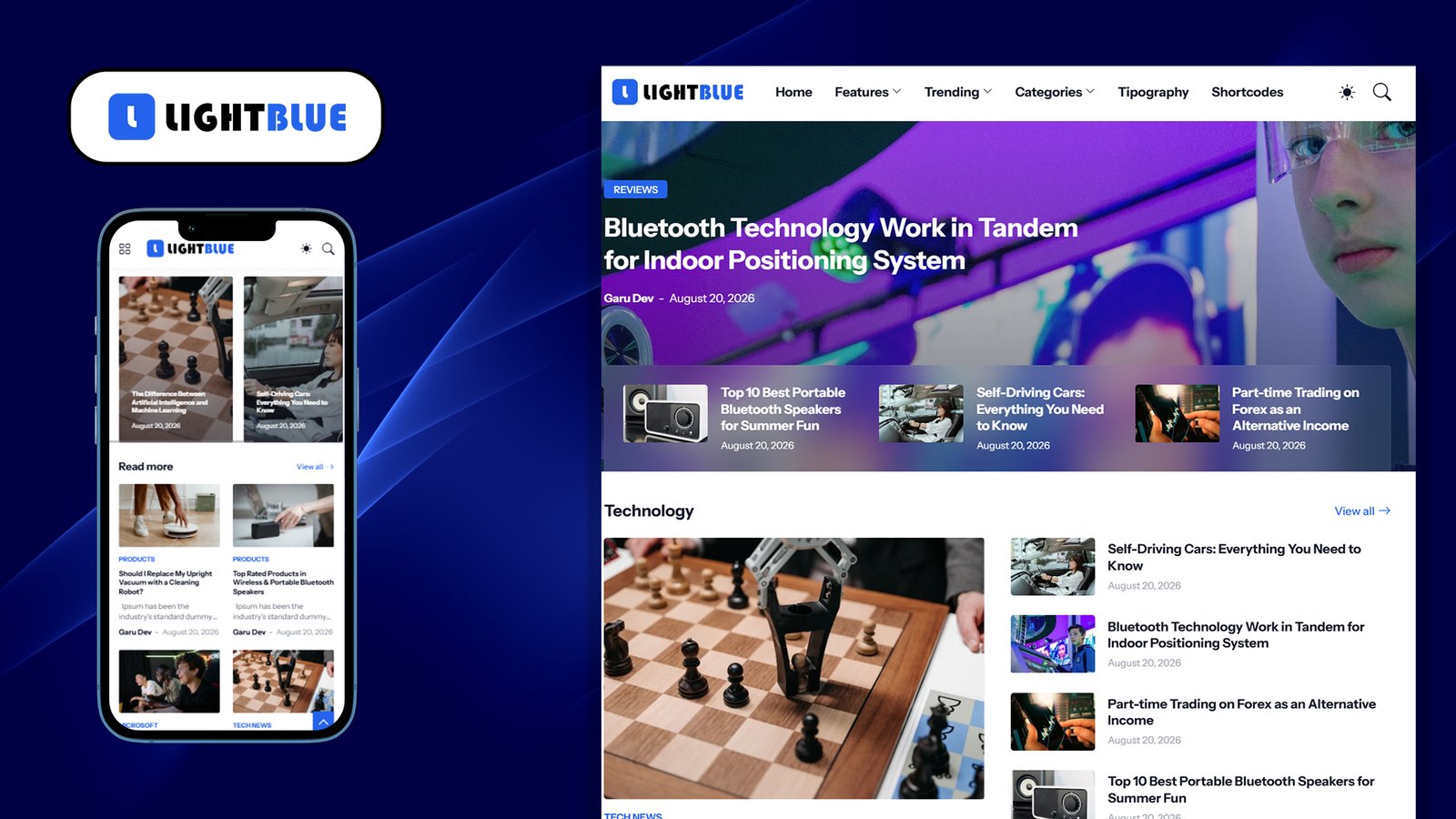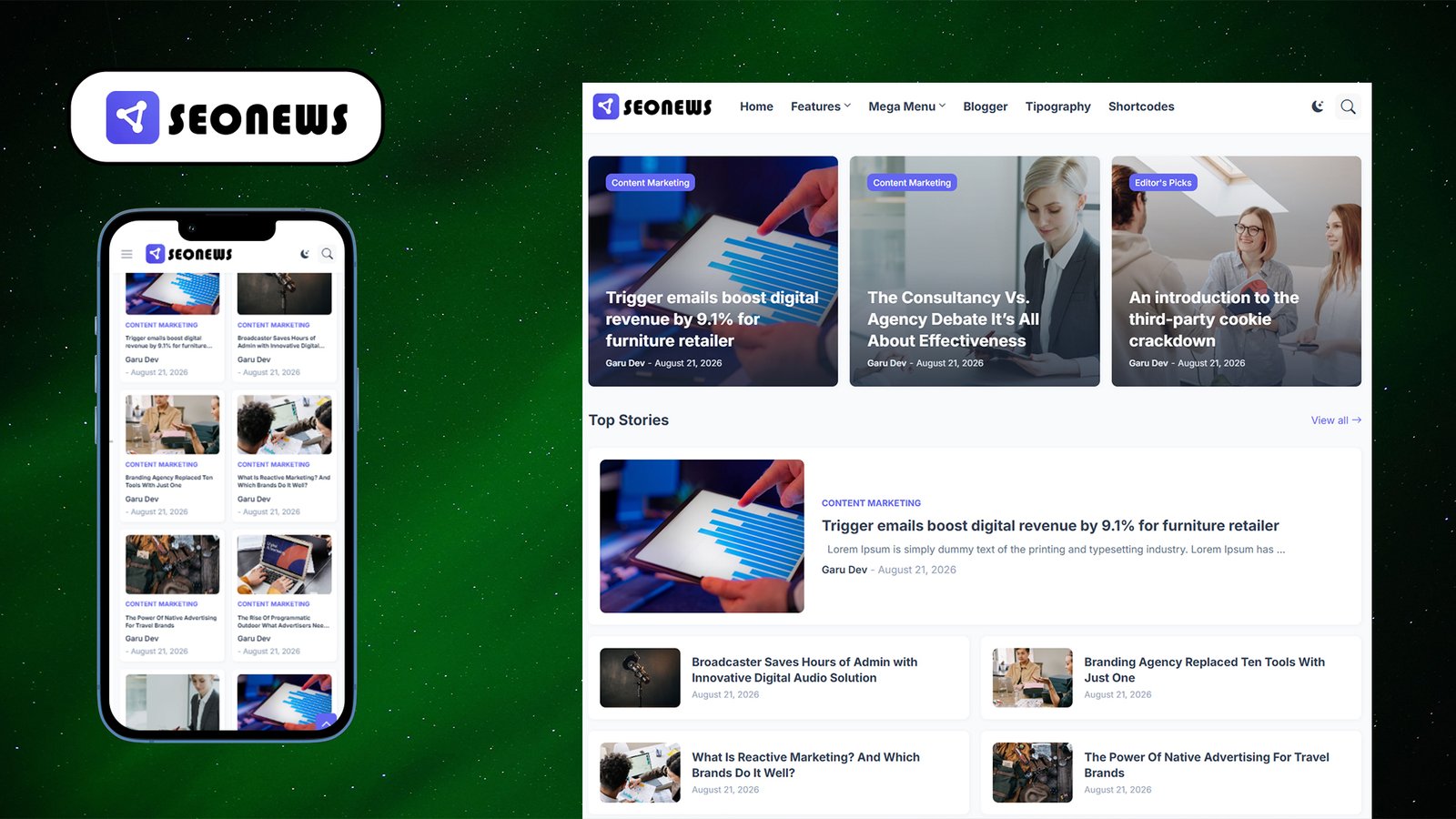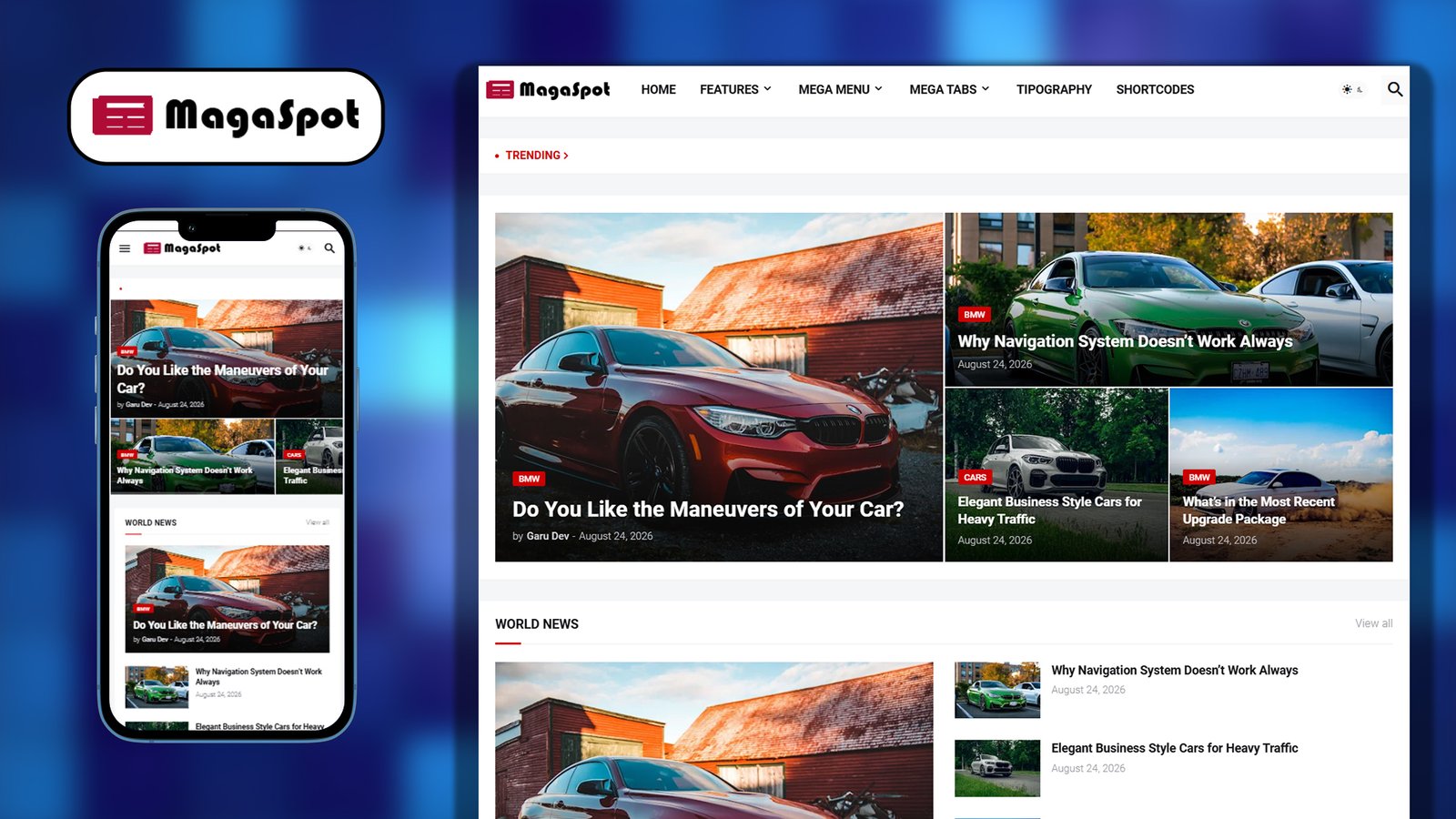
MAGASPOT PREMIUM – Blogger Template
=====================================
Name: Magaspot
Version: 2.9.0
Author: https://themefree.net/
Type: Responsive Blogger (Blogspot) XML Theme
DESCRIPTION
———–
Magaspot Premium is a fully responsive, magazine/news-style Blogger
template built with a clean, modern layout. It includes native dark
mode support, RTL (right-to-left) language compatibility, a mega
menu, a ticker/breaking-news widget, and extensive built-in theme
customization options — all configurable directly from the Blogger
Theme Customizer without editing code.
KEY FEATURES
————
– Fully Responsive design (mobile, tablet, desktop)
– Native Dark Mode + User-toggle Dark Mode switch
– RTL (Right-to-Left) language support
– Mega Menu with tabs for header navigation
– Sticky / Fixed Top Menu option
– Fixed Sidebar option (left or right sidebar layout)
– Boxed Mode layout option
– Ticker / Breaking News widget
– Grid-style post layout with optional summary snippets
– Card-style and Thumbnail-style post tags
– Breadcrumb navigation on post pages
– Comment count display
– Header ad slot support
– Social share icons (Facebook, Twitter, Instagram, RSS, Email, etc.)
– Lazy-loaded images for faster page speed
– Google Font integration (Roboto by default, customizable)
– Fully customizable color scheme (main color, backgrounds, text,
header, sidebar, widgets, mega menu, ticker, etc.)
– Adjustable container and sidebar widths
– Custom Material Icons / Font Awesome icon support
– SEO-friendly, clean markup structure
CUSTOMIZATION OPTIONS (via Blogger Theme Designer)
—————————————————-
– Theme Options: Dark Mode, User Dark Mode, Boxed Mode, Left Sidebar,
Fixed Menu, Fixed Sidebar
– Widths: Container Width, Sidebar Width
– Fonts: Main Font, Menu Font, Title Font, Text Font
– Colors: Body Background, Outer Background, Main Color, Title Color,
Title Hover Color, Meta Color, Text Color
– Top Bar: Background, Text Color, Hover Color, Border toggle
– Header: Height, Background, Text Color, Hover Color
– Sub Menu & Mega Menu: Background, Text Color, Hover/Meta Colors
– Mobile Menu: Background, Text Color, Hover Color
– Ticker News: Title Color, Text Color, Hover Color
– Widgets: Background, Title Color, Dash Color
– Video Widget: Background, Text Color, Hover/Meta Colors
– Main Posts: Show on Home, Grid Style, Grid Summary toggle
– Post Tags: Card Tag / Thumbnail Tag styles, Background & Text Color
– Post Page: Header Ads, Breadcrumbs, Title Font Size, Comment Count
INSTALLATION
————
1. Log in to Blogger (blogger.com) and select your blog.
2. Go to Theme > Edit HTML (or Customize > Restore/backup theme).
3. Back up your current theme first.
4. Upload/paste the Magaspot-Premium-XML.xml file to replace the
existing theme XML.
5. Save, then use Theme > Customize to configure colors, layout,
and widget options as listed above.
NOTES
—–
This file was generated from the template’s embedded metadata and
CSS variable definitions found in Magaspot-Premium-XML.xml.