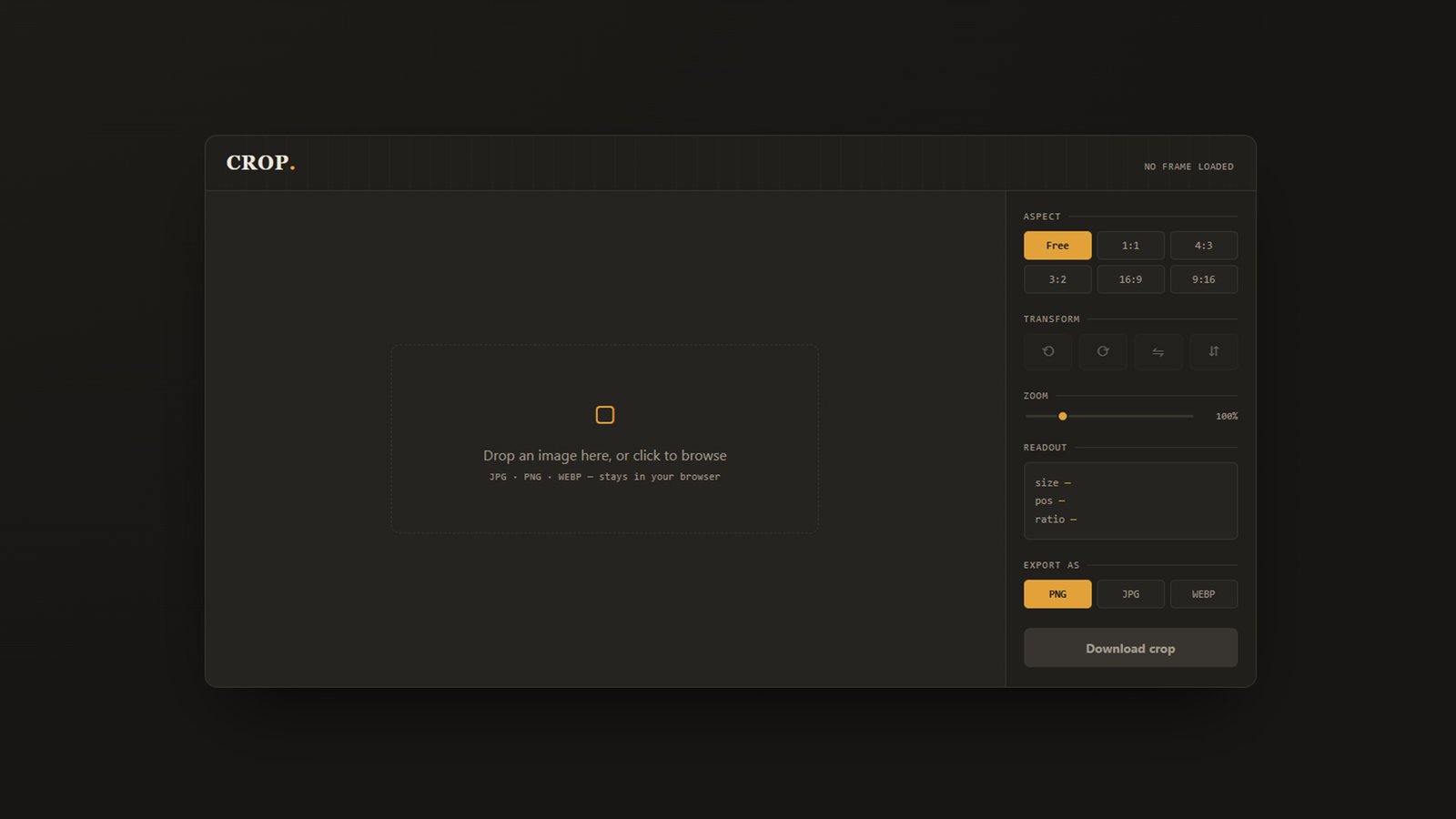
CROP — Browser-Based Image Cropper
A lightweight, no-install image cropping tool that runs entirely in your browser. Drop in a photo, drag the crop frame into place, and export exactly the frame you need — no uploads, no accounts, no server processing.
Features:
- Drag-and-drop or browse to load JPG, PNG, or WEBP images
- Freeform or fixed-ratio cropping (1:1, 4:3, 3:2, 16:9, 9:16) with a rule-of-thirds guide for precise composition
- Rotate and flip in either direction to fix orientation before cropping
- Zoom control for fine-tuning crops on high-resolution images
- Live readout showing crop size, position, and aspect ratio as you adjust
- Export to PNG, JPG, or WEBP at full source resolution
Privacy-first: every operation happens locally in your browser using the Canvas API — your images are never uploaded or transmitted anywhere.
Best for: quickly cropping profile pictures, thumbnails, social media images, or any photo edit where you don’t want to open a full editing suite or hand your files to a third-party site.