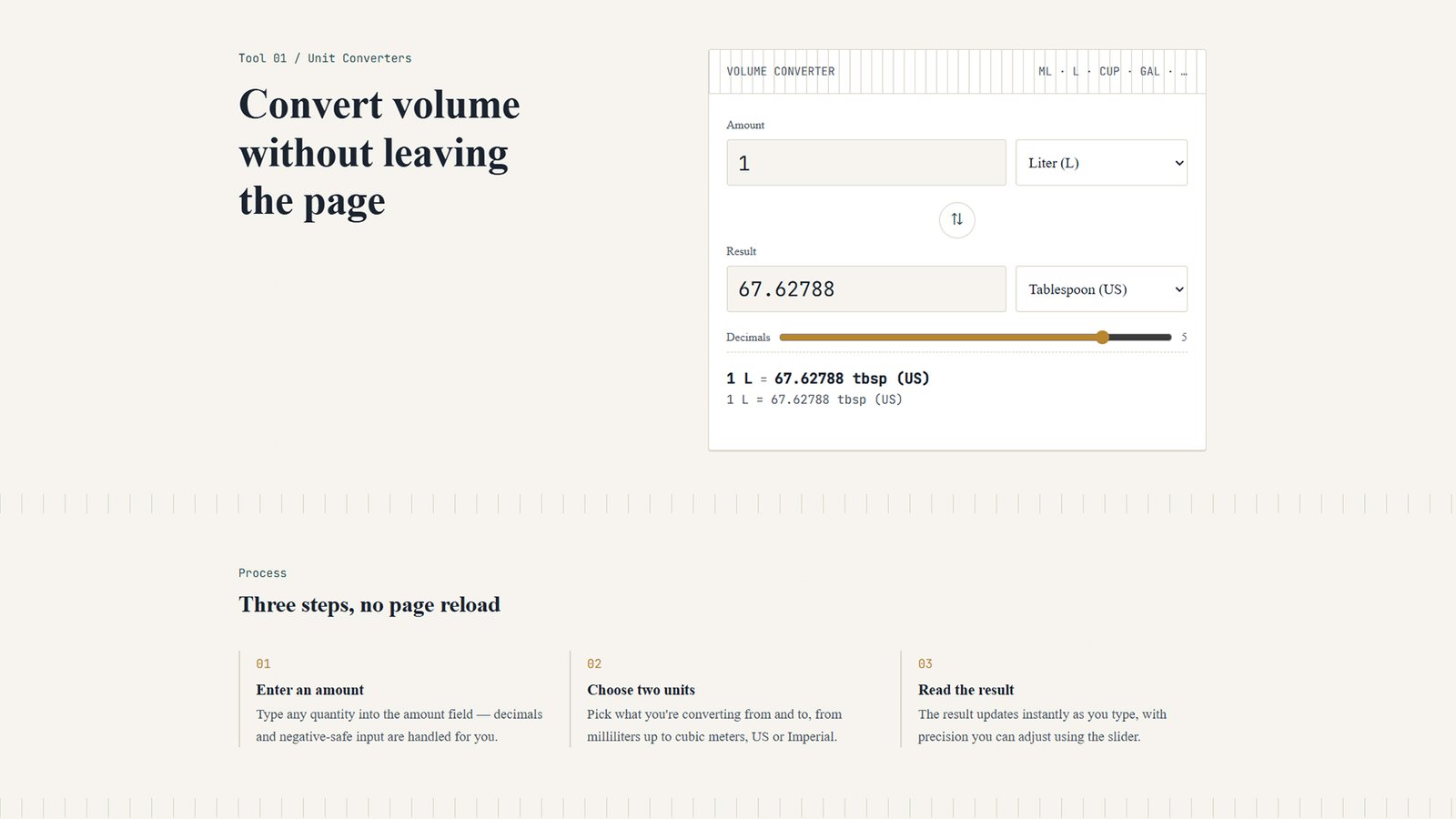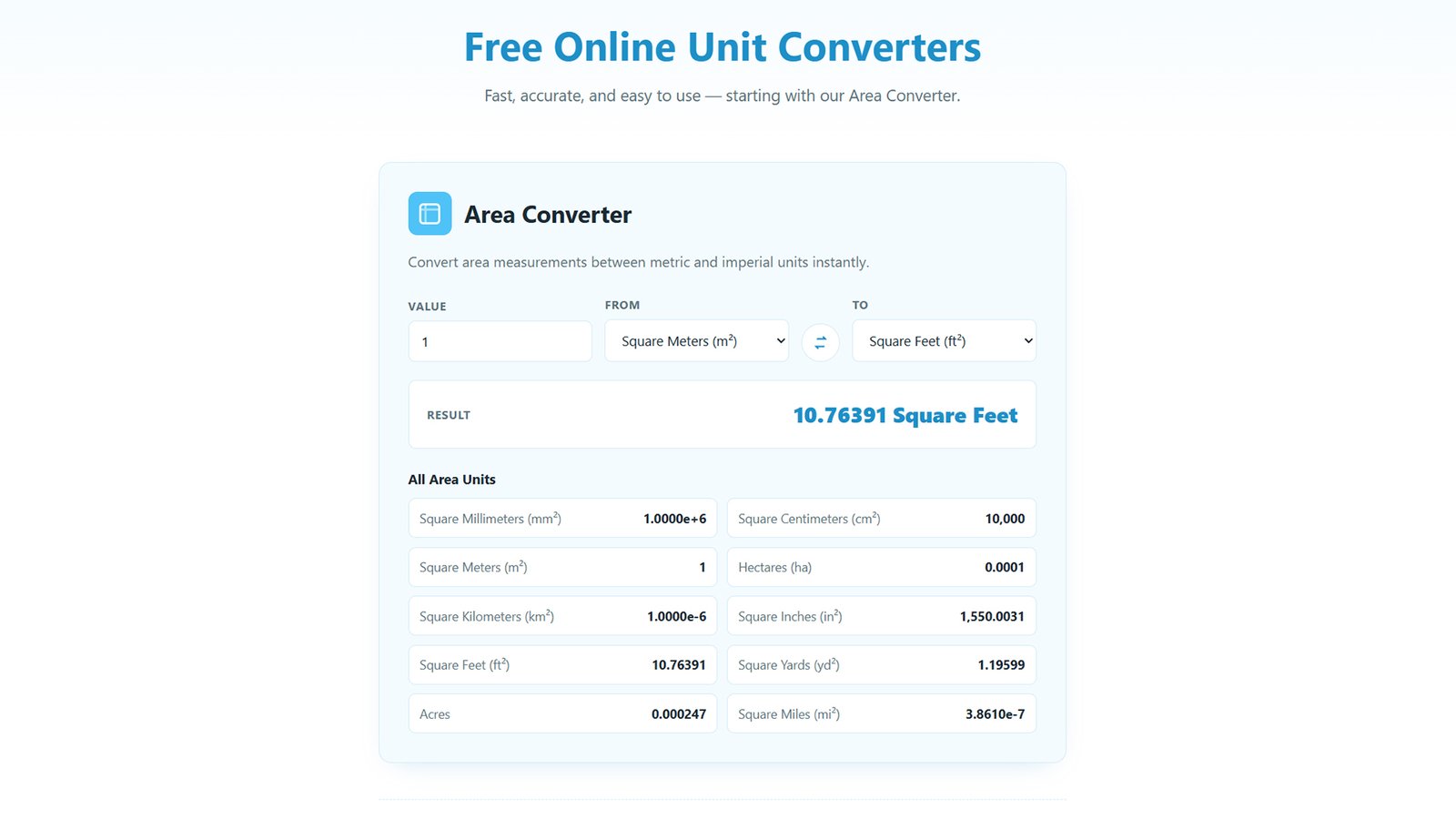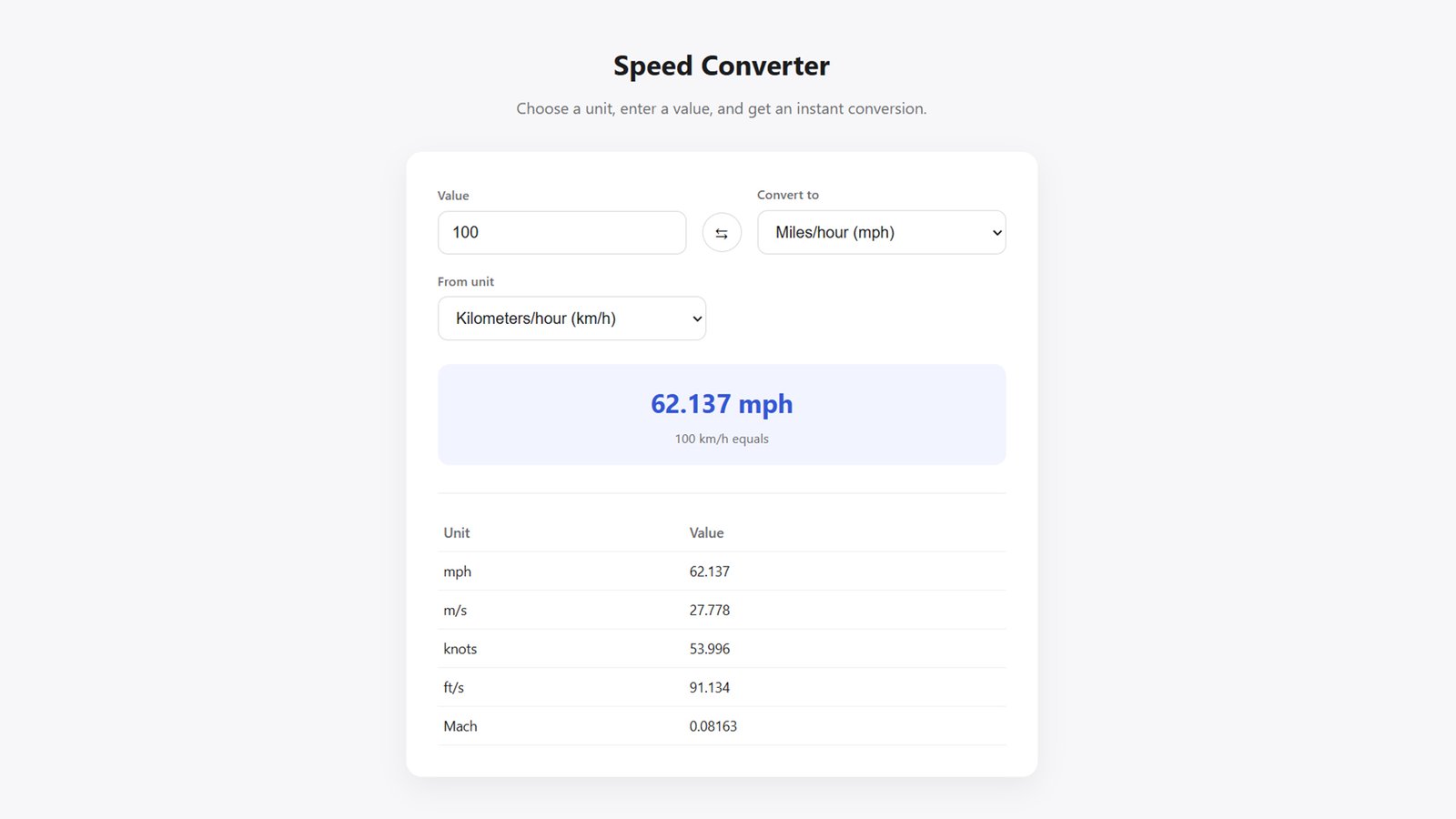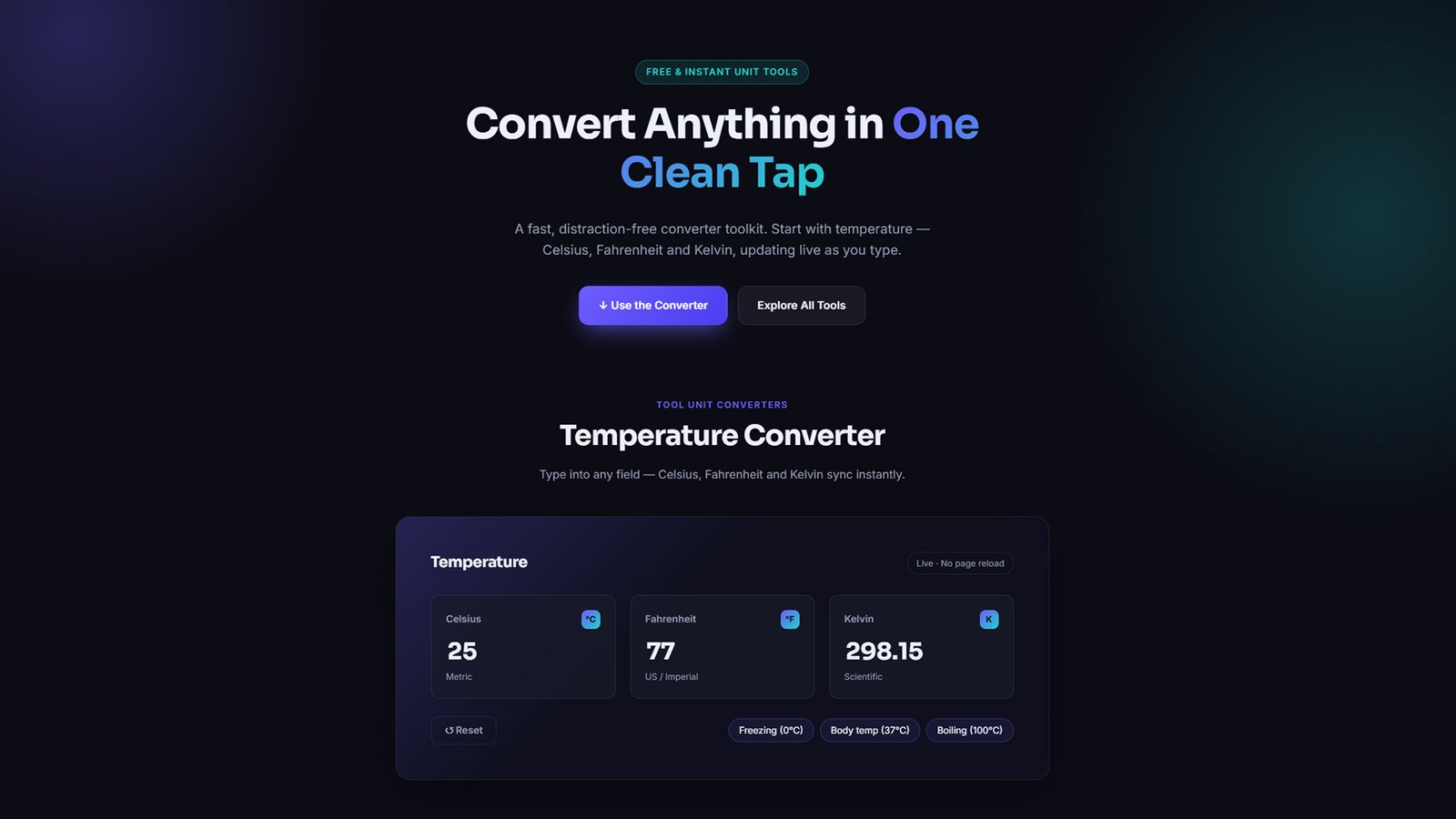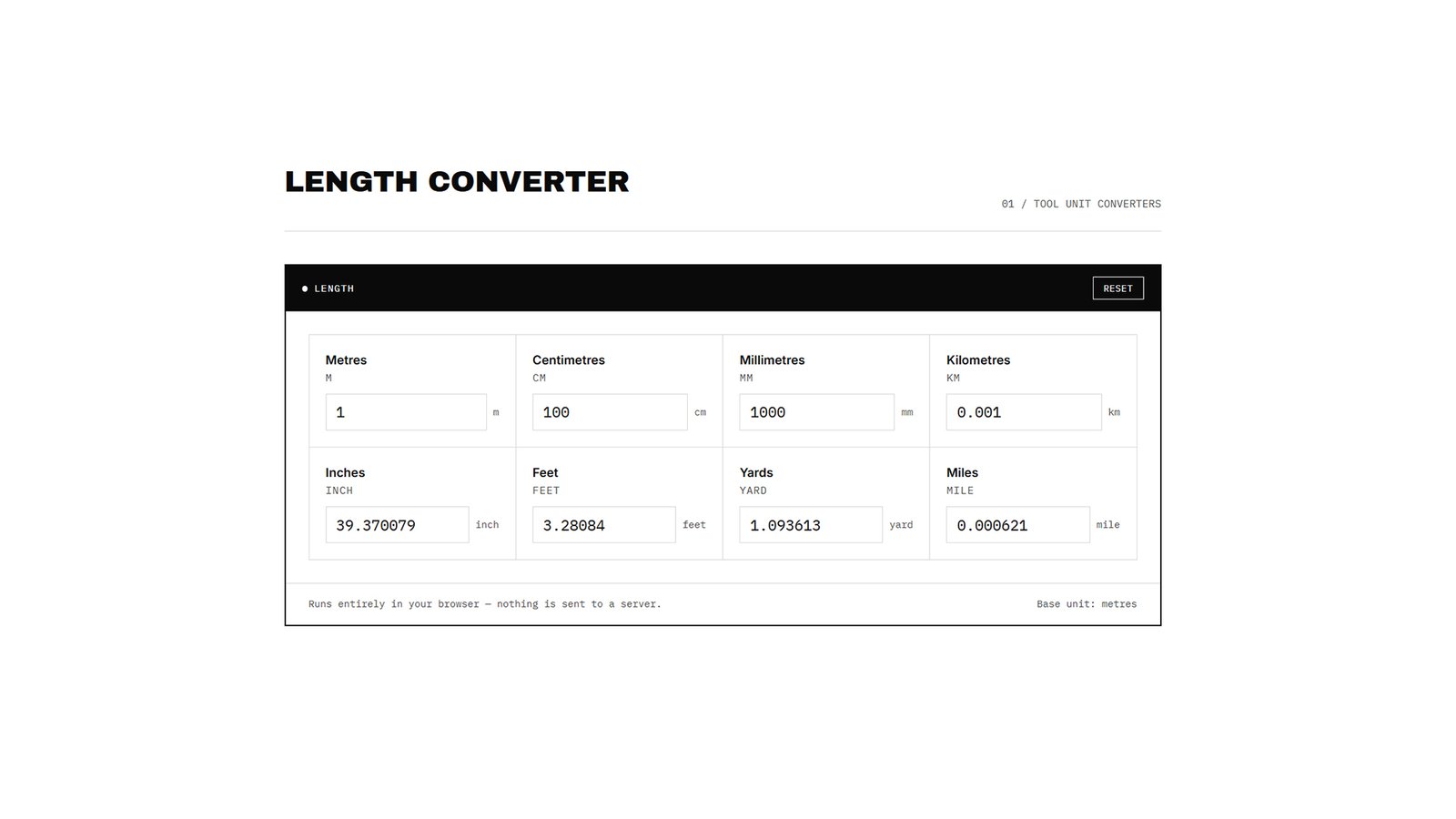
Download ToolLeg, a free WordPress theme for unit converter tools. Includes a live Length Converter (m, cm, mm, km, inch, feet, yard, mile) and fully customizable black & white layouts.
How to Install ToolLeg WordPress Theme
1. Download the theme
Download the toolleg.zip file to your computer. Don’t unzip it — WordPress installs themes directly from the zip.
2. Log in to WordPress admin
Go to yourdomain.com/wp-admin and sign in with your administrator account.
3. Navigate to Themes
From the left sidebar, go to Appearance → Themes.
4. Add a new theme
Click Add New Theme at the top of the page, then click Upload Theme.
5. Upload the zip file
Click Choose File, select toolleg.zip, then click Install Now.
6. Activate ToolLeg
Once installation finishes, click Activate to make ToolLeg your live theme.
7. Customize your site
Go to Appearance → Customize → ToolLeg Theme Options to set your color scheme (black or white background), edit the homepage hero text, and choose your Length Converter layout (Ledger, Grid, or Tabs).
8. Set your homepage (optional)
If you want a specific static page as your homepage, go to Settings → Reading and select A static page. Otherwise, ToolLeg’s front page template displays the Length Converter automatically.
Your Tool Unit Converters page is now live and ready to use.