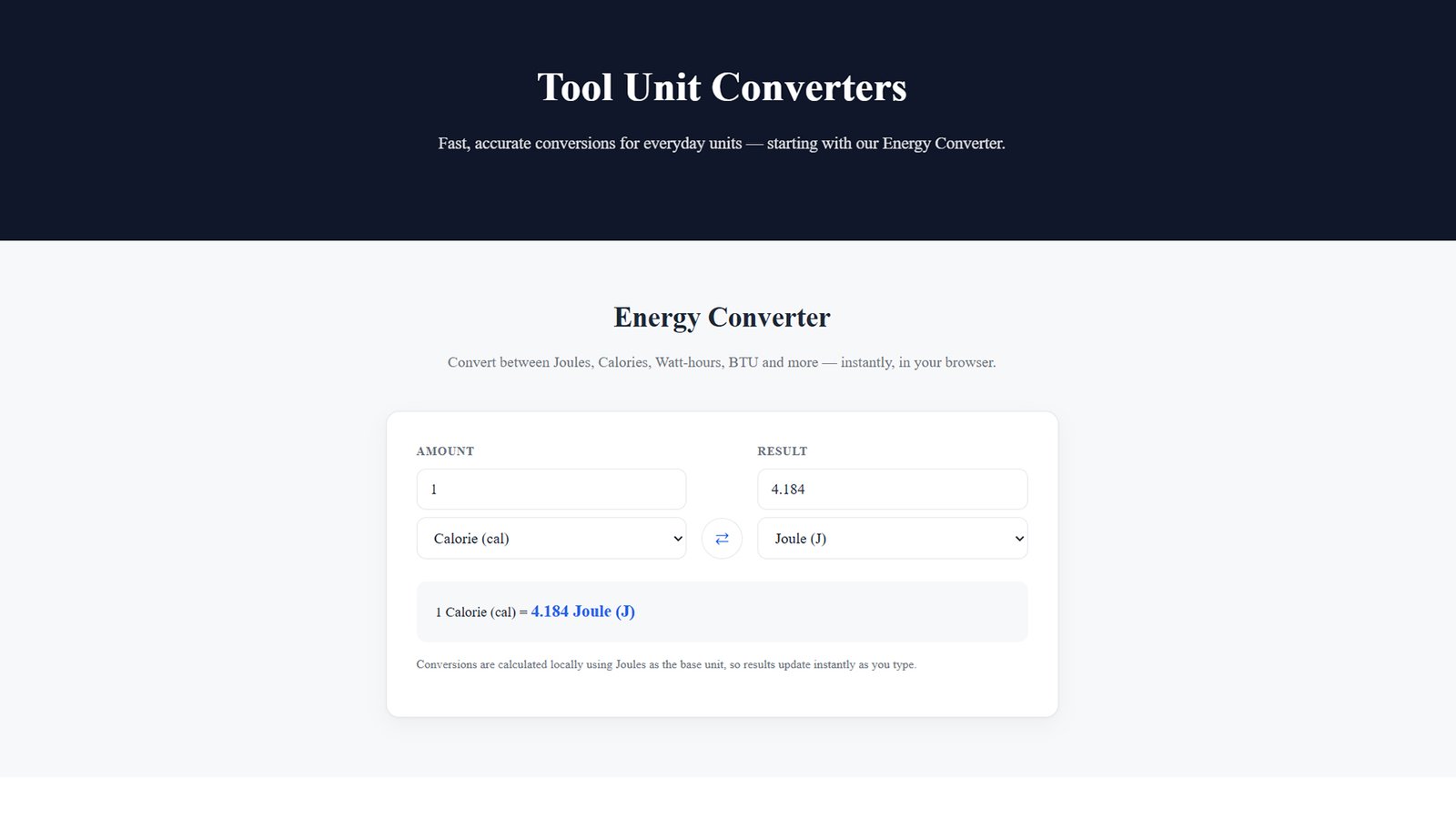
Energy Unit Converter — The Fast, Customizable WordPress Theme for Online Conversion Tools
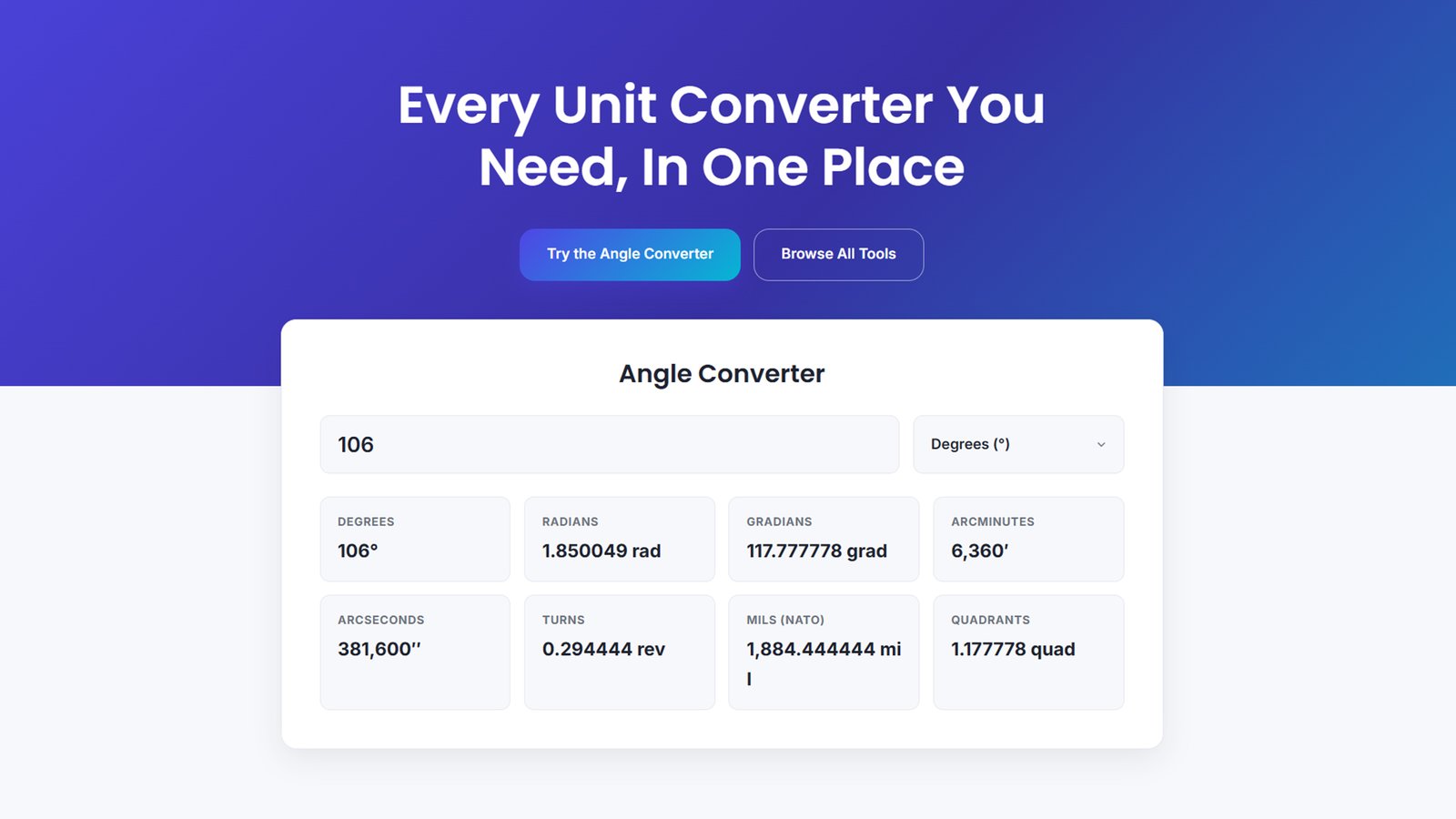
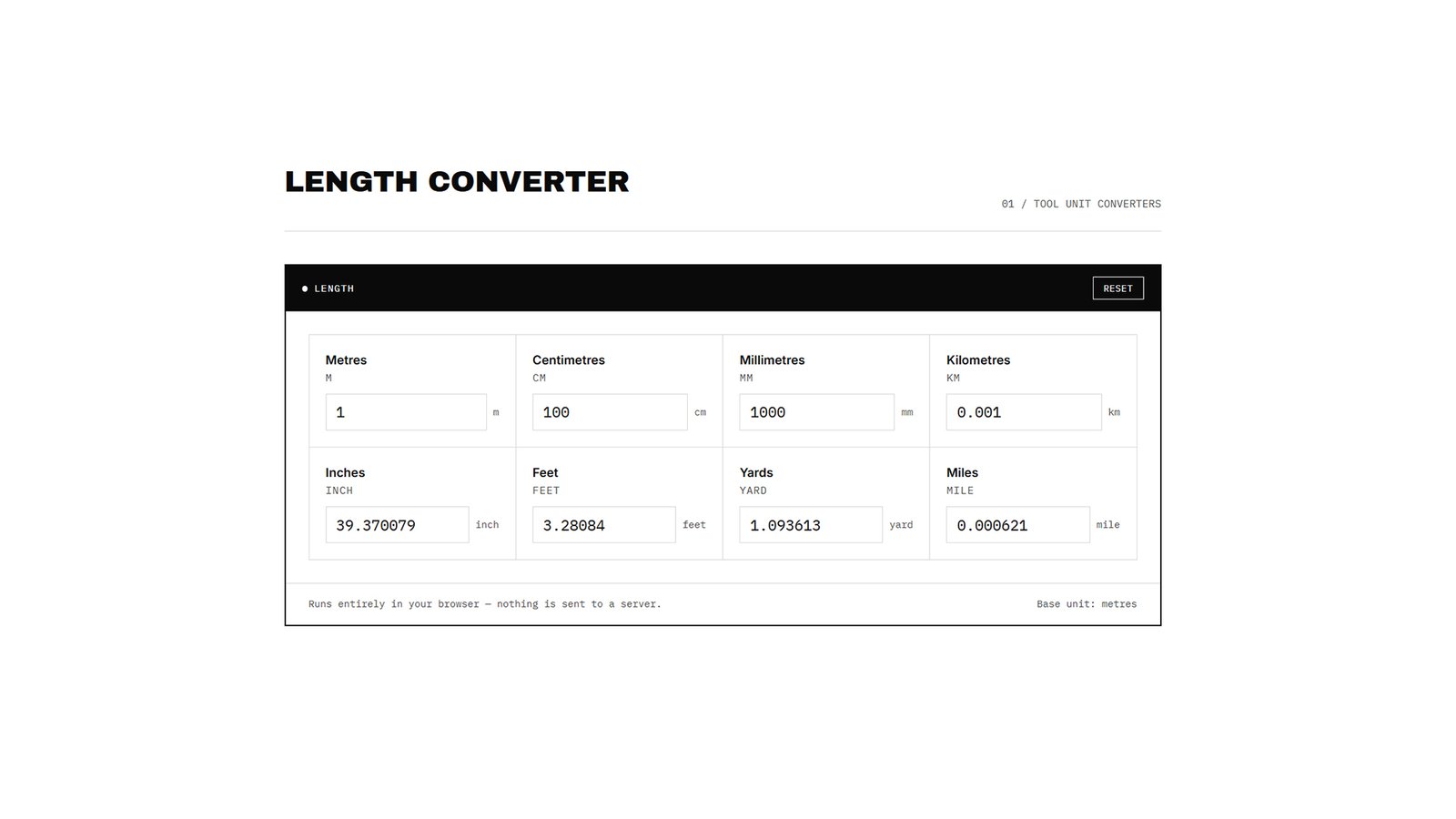
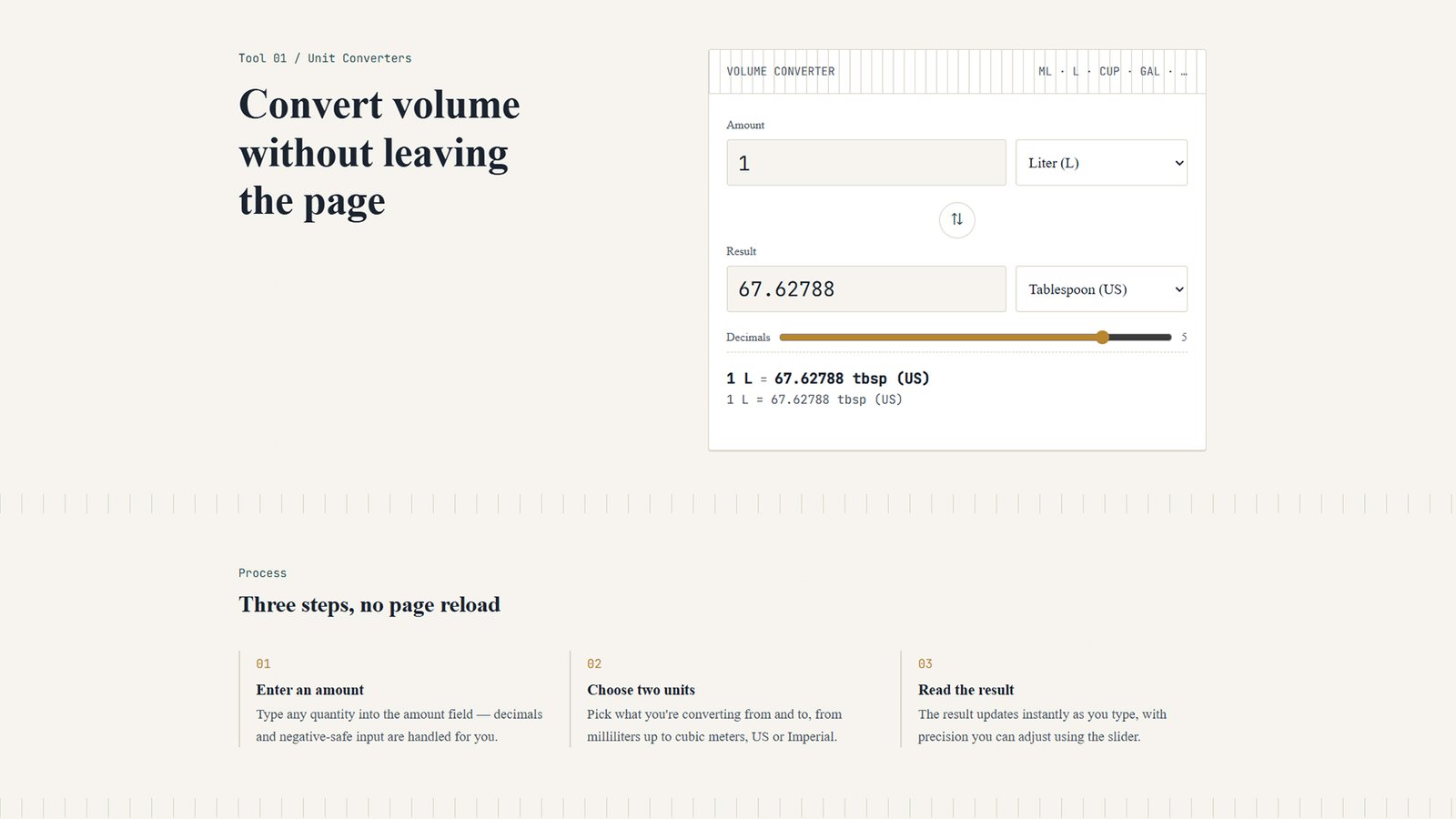
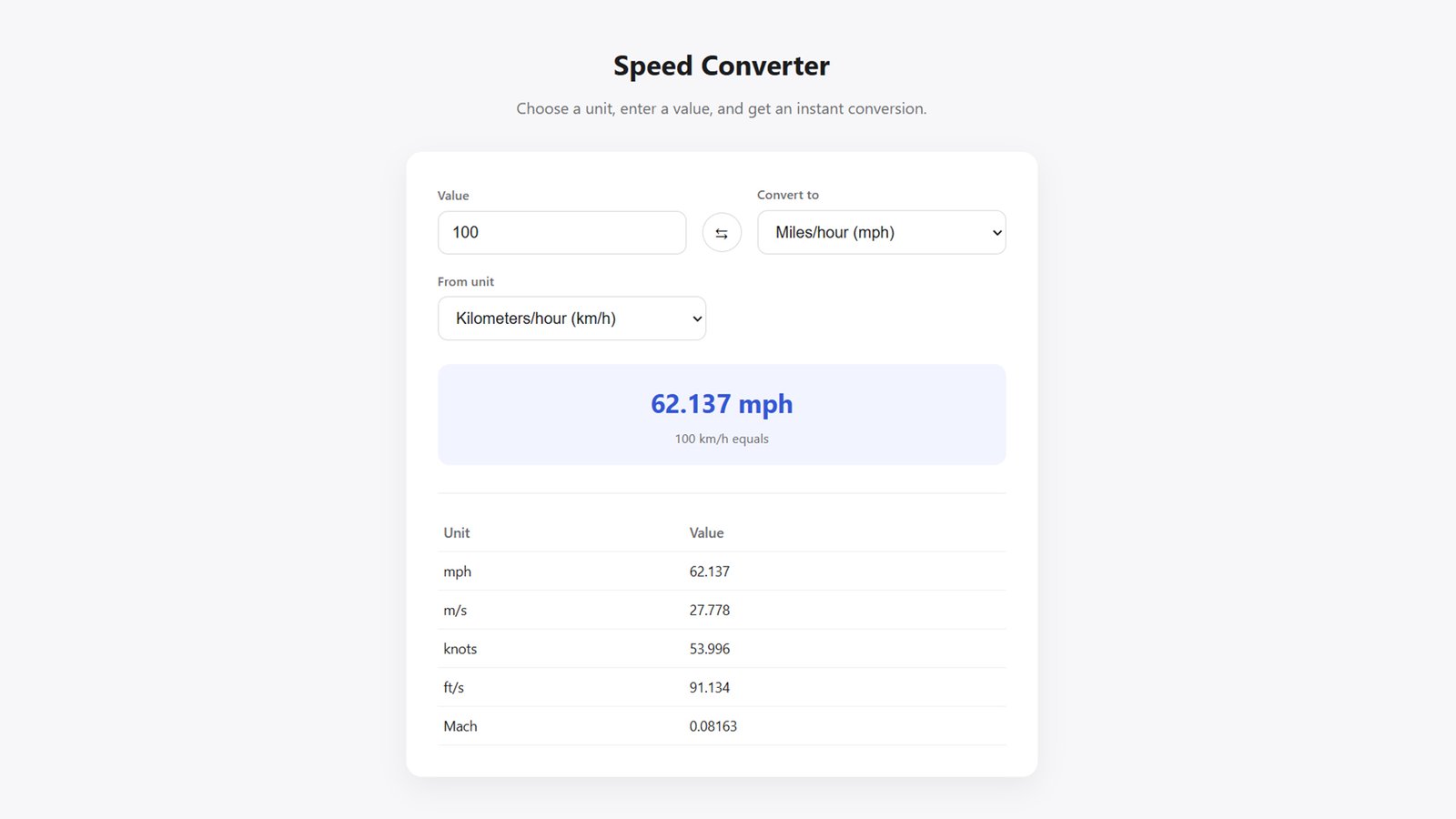
Turn your WordPress site into a go-to online utility with the Energy Unit Converter theme. Built for creators launching a unit converter website, calculator hub, or measurement conversion tool, this lightweight theme ships with a fully functional, real-time Energy Converter — instantly converting between Joules, Kilojoules, Calories, Kilocalories, Watt-hours, Kilowatt-hours, BTU, Foot-pounds, Electronvolts, and Ergs — all calculated client-side for lightning-fast results with zero page reloads.
Key Features:
- ⚡ Instant Energy Unit Conversion — accurate, real-time results for 10 energy units
- 🎨 100% Customizable Layout — control every section (hero, converter, tools grid, footer) from the native WordPress Customizer
- 🖌️ Custom Colors, Fonts & Spacing — no CSS or code editing required
- 📱 Fully Responsive Design — looks great on desktop, tablet, and mobile
- 🚀 Lightweight & Fast-Loading — clean, dependency-free JavaScript for top page-speed scores
- 🧩 Built-In “More Converters” Grid — an easy foundation for adding length, weight, temperature, and other conversion tools later
- 🔍 SEO-Friendly Code Structure — semantic HTML5 markup and clean templates
- 🛠️ Beginner Friendly — no coding experience needed to customize
Whether you’re building a niche unit-conversion website, an educational resource, or a utility-tools hub, this theme gives you a working converter tool and a flexible design system right out of the box.
How to Install
- Download the theme. Save the
energy-converter-theme.zipfile to your computer. - Log in to WordPress. Go to your WordPress dashboard.
- Navigate to Appearance → Themes → Add New → Upload Theme.
- Upload the ZIP file. Select
energy-converter-theme.zipand click Install Now. - Activate the theme. Once installed, click Activate.
- Set your homepage. Go to Settings → Reading, choose “A static page” for “Your homepage displays,” and select any page (existing or new) as your homepage.
- Customize your site. Go to Appearance → Customize → Front Page Layout to edit the hero text, converter settings, colors, fonts, and more — changes preview live.
- Publish and go live! Your Energy Unit Converter tool is now ready for visitors.