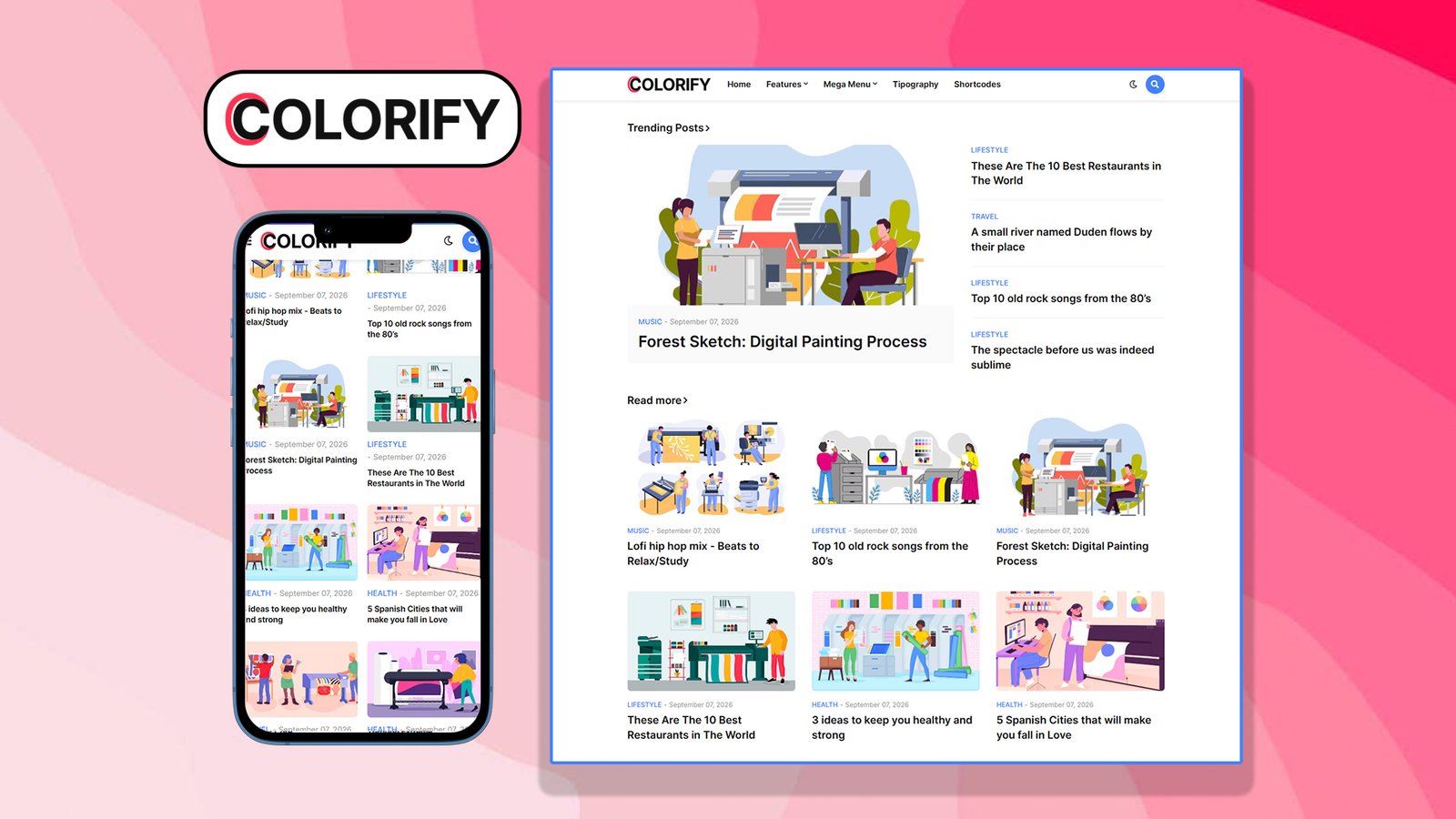
COLORIFY – PREMIUM BLOGGER TEMPLATE (v1.5.0)
By Templateify
===========================================
OVERVIEW
===========================================
Colorify is a modern, fully responsive, and highly customizable premium Blogger (Blogspot) theme designed for news, magazine, blog, and general-purpose content websites. Built with clean XHTML/XML markup and Blogger’s native widget system, it combines a fast-loading structure with a rich set of built-in customization options accessible directly from the Blogger Theme Customizer — no coding required.
===========================================
KEY FEATURES
===========================================
DESIGN & LAYOUT
– Fully responsive, mobile-first layout that adapts to all screen sizes
– Boxed and full-width layout modes
– Left sidebar / right sidebar / no-sidebar layout options
– Fixed (sticky) header menu and fixed/sticky sidebar support
– Adjustable container and sidebar widths
– Native dark mode plus a user-toggleable dark/light mode switch
– RTL (right-to-left) language support for Arabic, Hebrew, Persian, Urdu, and other RTL languages
NAVIGATION
– Responsive mobile menu with custom colors and hover states
– Mega menu widget with customizable background and hover colors
– Multi-level sub-menu support
– Post navigation (previous/next) links
– Breadcrumb navigation on post and page views for better usability and SEO
CONTENT & POST FEATURES
– Table of Contents (TOC) automatically generated for long-form posts
– Related posts widget to increase pageviews and reduce bounce rate
– Trending posts and popular posts widgets
– Customizable post title, text color, and font size settings
– Configurable “Show on Post Page” options to control which elements display
– Author box and post meta styling
– Sticky/featured post support on the homepage
MONETIZATION
– Dedicated header ad and footer ad placement zones for AdSense or any ad network
– Clean ad slots that don’t disrupt the reading experience
COMMENTS & ENGAGEMENT
– Built-in Blogger comment system support
– Disqus comment system integration
– Newsletter/subscribe widget for building an audience
– Cookie consent notice widget with customizable text and background colors (GDPR-friendly)
TYPOGRAPHY & COLORS
– Full font customization: choose site font, title font, and text font independently
– Support for multiple font weights and styles (regular, medium, semi-bold, bold, and their italics)
– One-click main/theme color changer that updates buttons, links, and accents sitewide
– Independent color controls for header, footer, footer bar, mega menu, sub-menu, mobile menu, comments, and buttons
PERFORMANCE & TECHNICAL
– AMP (Accelerated Mobile Pages) support for faster mobile browsing and better Google rankings
– SEO-friendly, semantic markup with schema.org structured data
– Optimized, lightweight CSS/JS for fast page-load speed
– Well-organized, well-commented code for easy customization
===========================================
CUSTOMIZATION
===========================================
Nearly every visual aspect of Colorify — layout mode, sidebar behavior, fonts, colors, header/footer styling, menu appearance, and widget visibility — can be adjusted through Blogger’s built-in Theme Designer, allowing site owners to personalize their blog without touching a single line of code. Advanced users can further edit the XML/HTML and CSS directly for deeper customization.
===========================================
IDEAL FOR
===========================================
– News and magazine websites
– Personal and professional blogs
– Tech, lifestyle, and general content publishers
– Anyone looking for a fast, SEO-optimized, ad-ready Blogger theme
===========================================
PACKAGE INFO
===========================================
Template Name : Colorify
Version : 1.5.0 (Premium)
Author : Templateify
Platform : Blogger / Blogspot (XML Theme)
License : Premium / Paid
===========================================
NOTE
===========================================
This is a Blogger (Blogspot) XML template file. To install, go to your Blogger Dashboard > Theme > Edit HTML (dropdown arrow) > Restore/Upload the XML file, or use the “Upload theme” option, then select this .xml file.