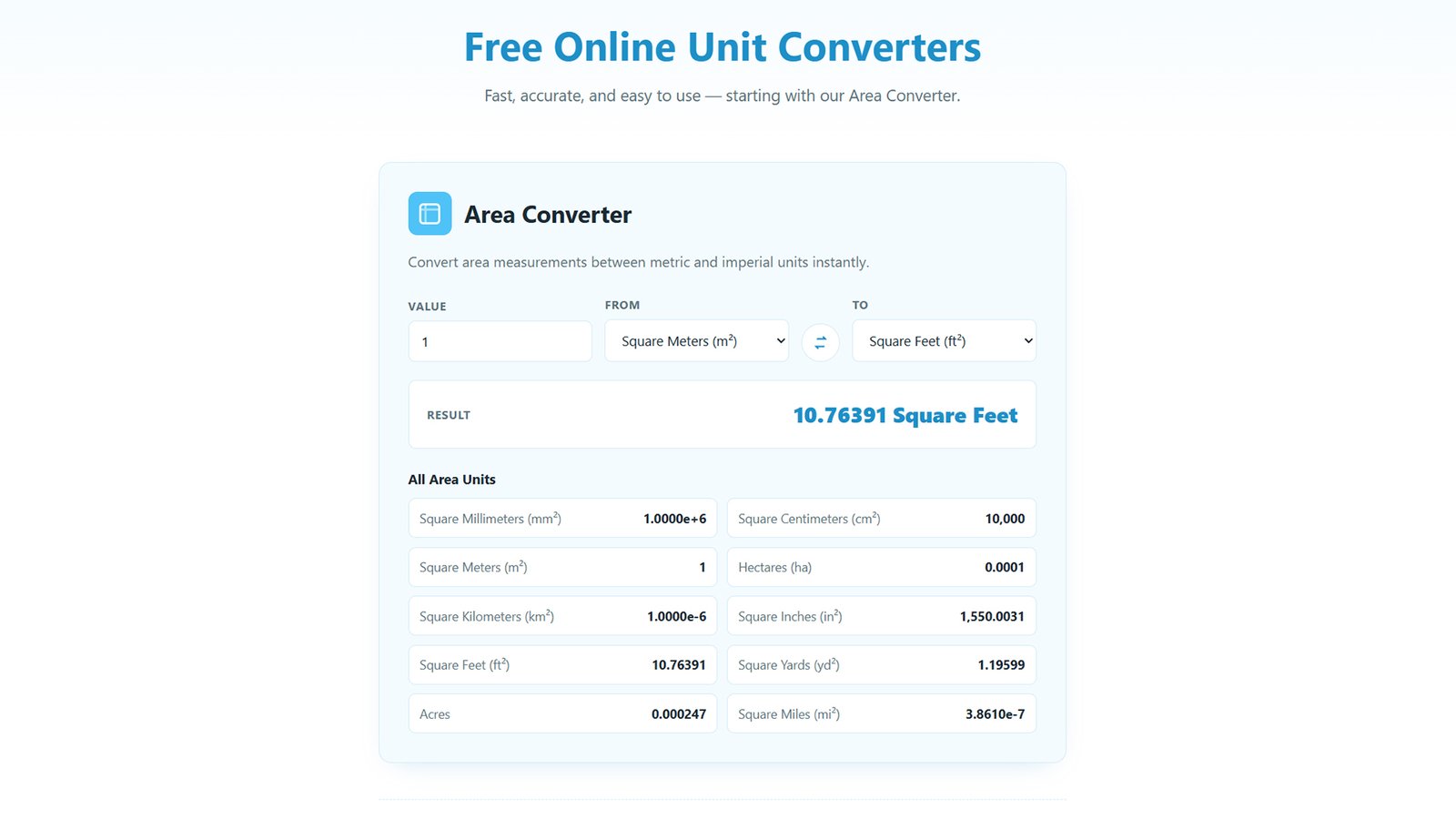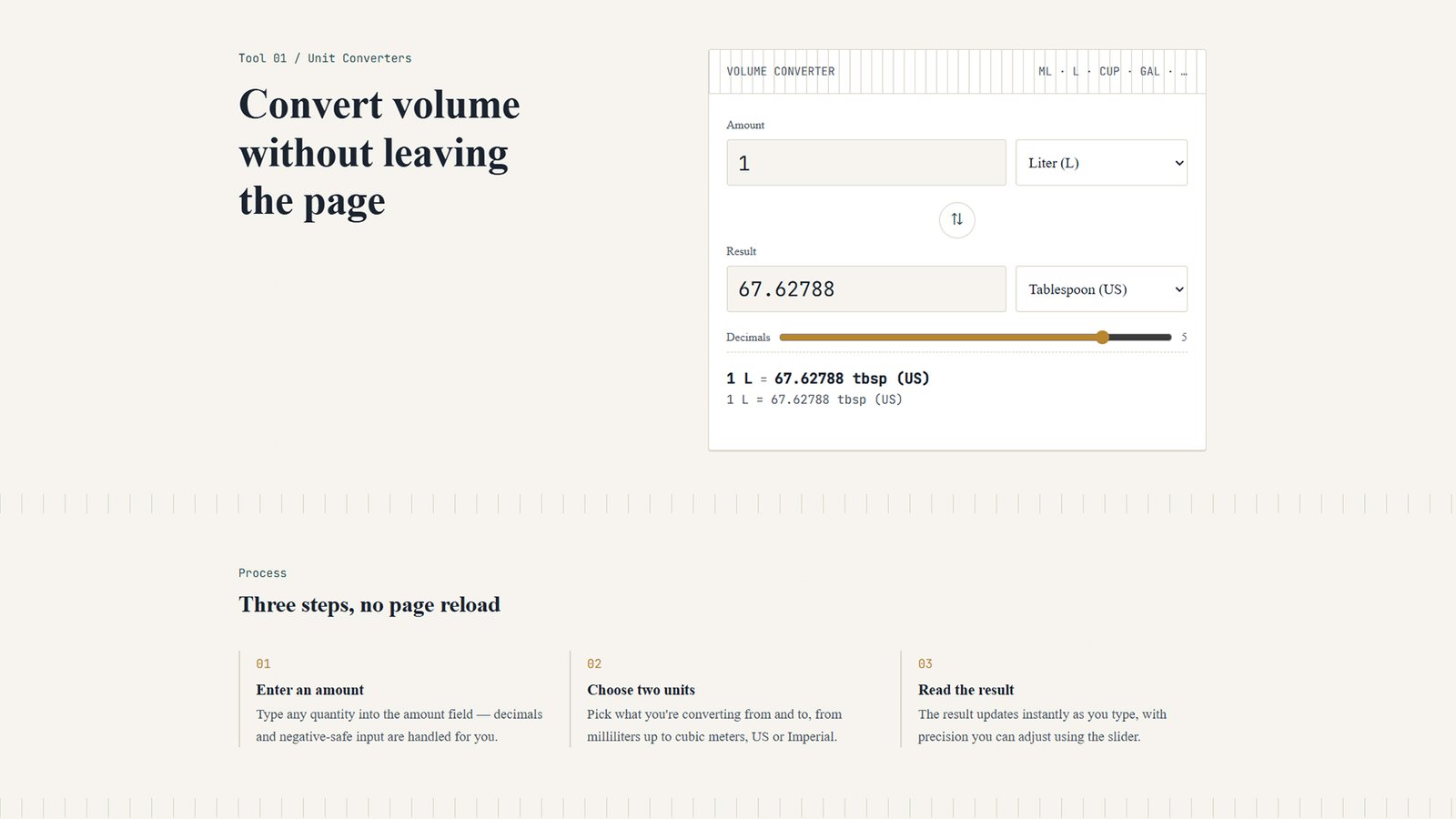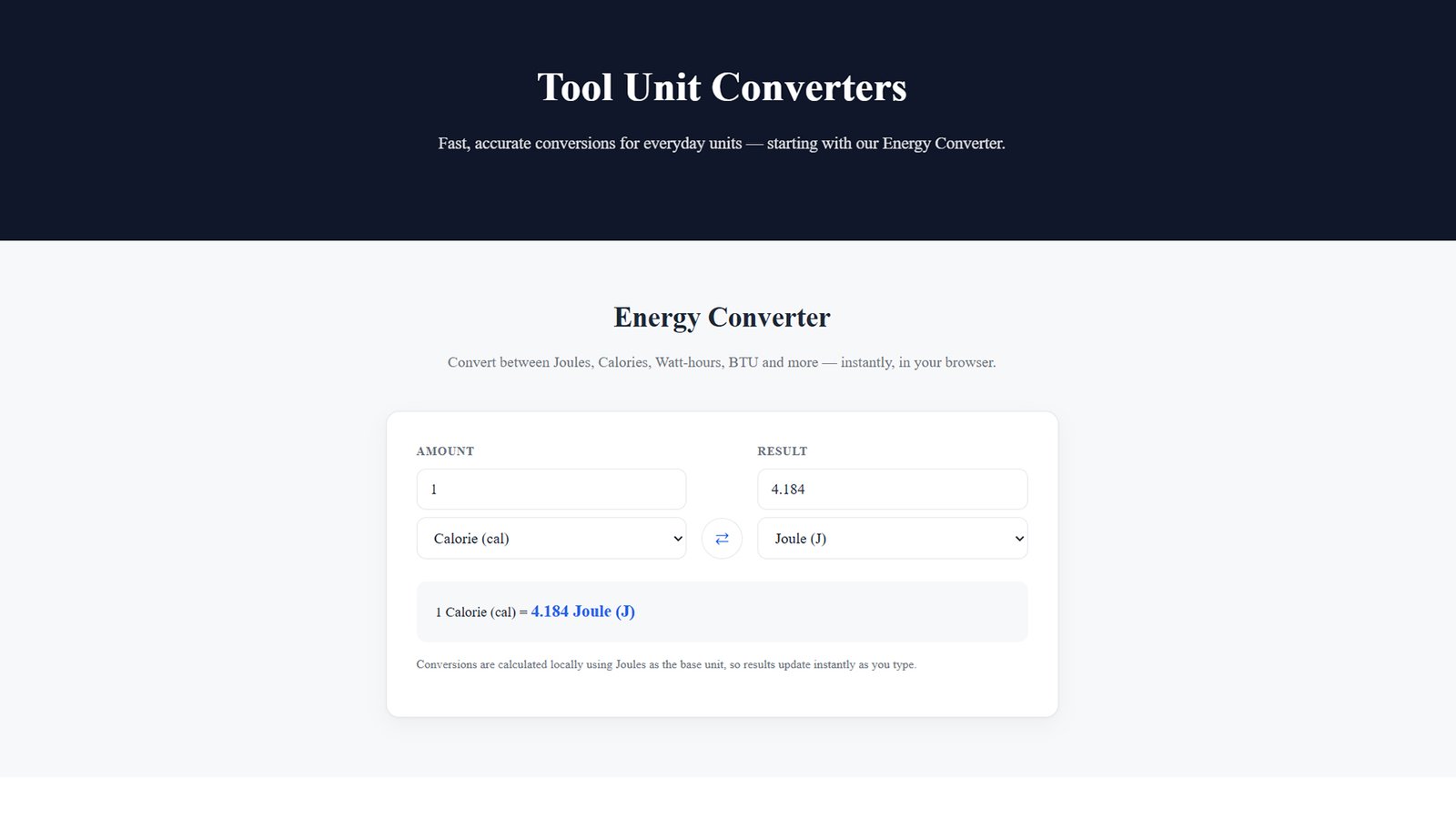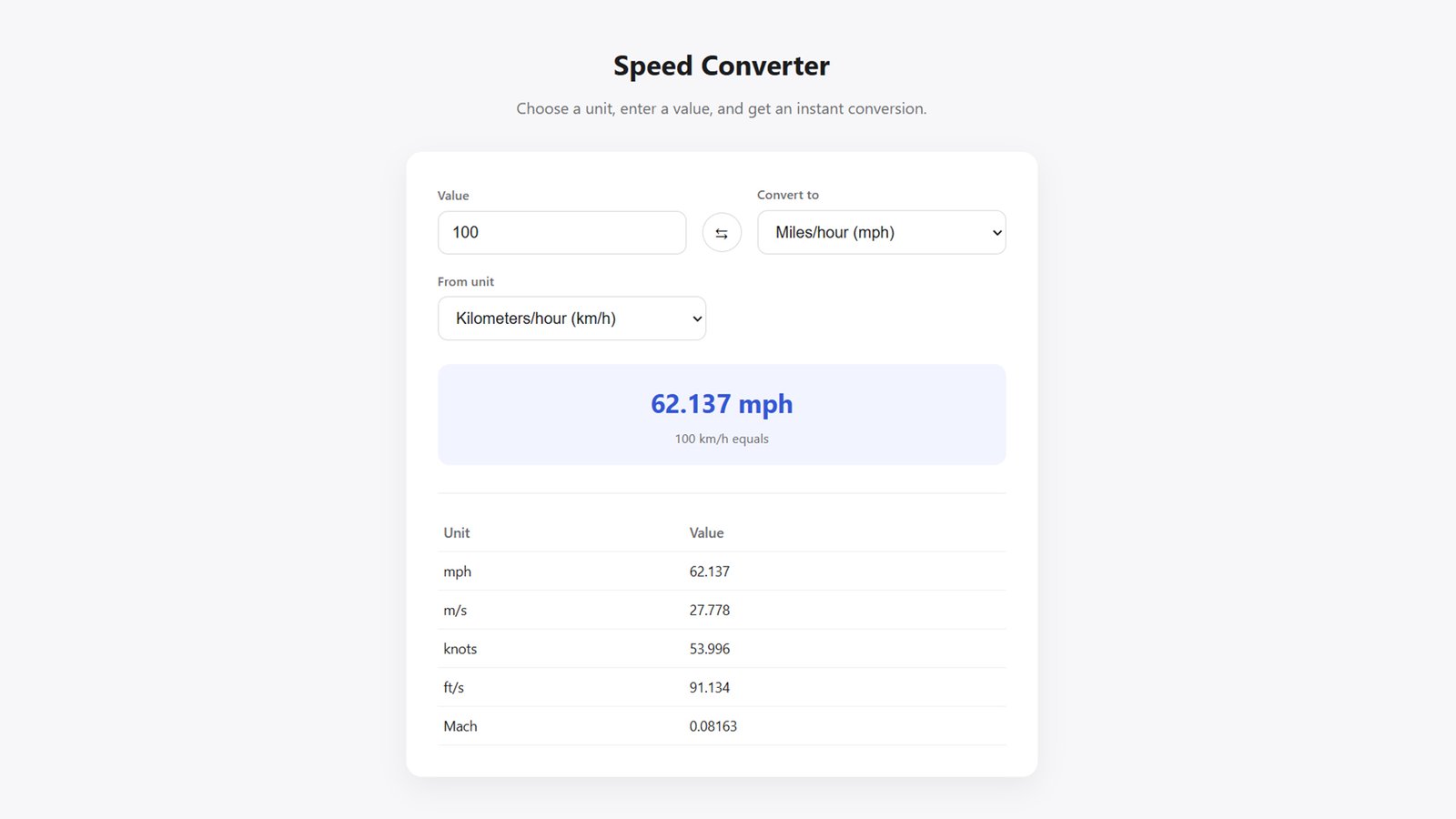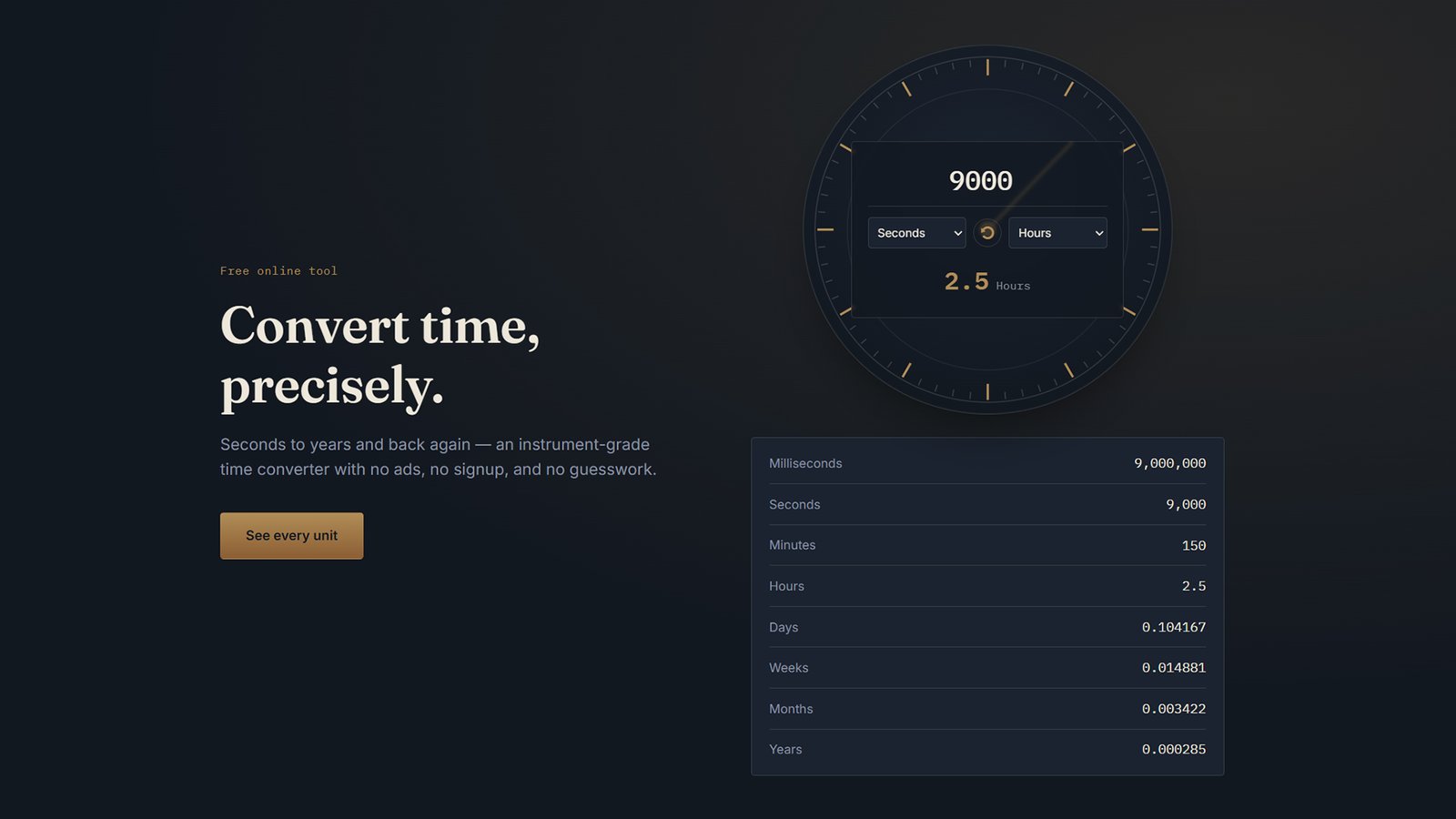
Convert time units instantly with TimeDial, a premium WordPress theme built around a live time converter. Fully customizable, no code needed. Free install guide inside.
How to Install TimeDial (WordPress Theme)
Follow these steps to install and activate the TimeDial WordPress theme on your site.
1. Download the theme file
Download timedial-theme.zip to your computer. Don’t unzip it — WordPress installs themes directly from the compressed file.
2. Log in to WordPress admin
Go to yourdomain.com/wp-admin and sign in with your administrator account.
3. Open the theme uploader
Navigate to Appearance → Themes → Add New → Upload Theme.
4. Upload and install
Click Choose File, select timedial-theme.zip, then click Install Now. WordPress will unpack and install the theme automatically.
5. Activate the theme
Once installation finishes, click Activate. Your site now runs on TimeDial.
6. Customize your site
Go to Appearance → Customize → TimeDial Theme Options to edit colors, the hero headline, the converter’s default units, section visibility, and the “more converters” grid — all without touching code.
7. Set your homepage (if needed)
TimeDial’s front page template loads automatically at your site’s root. If your site currently shows a different static front page under Settings → Reading, switch it to “Your latest posts,” or confirm your homepage setting so the Time Converter front page displays correctly.
That’s it — your time converter tool is live.