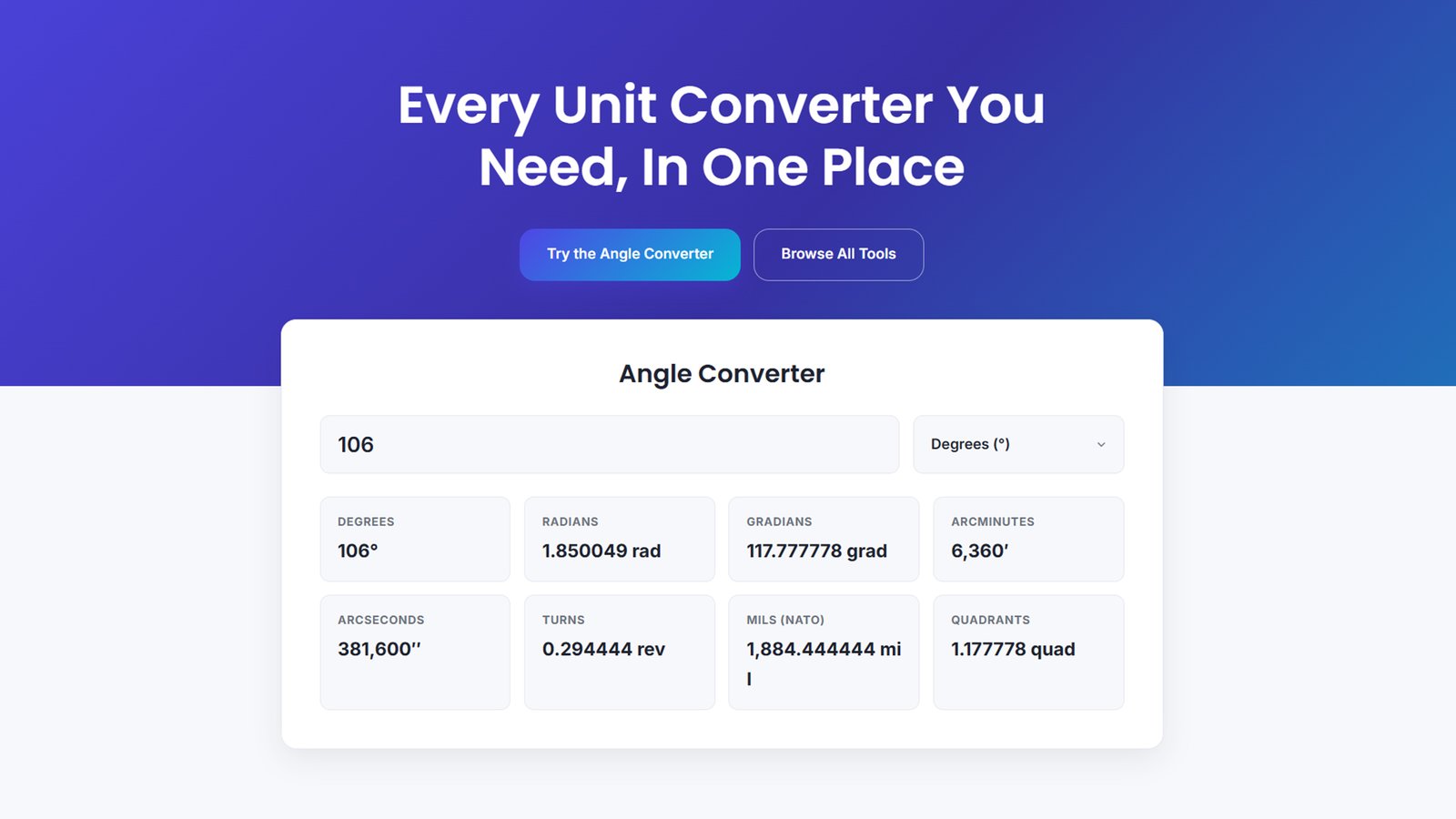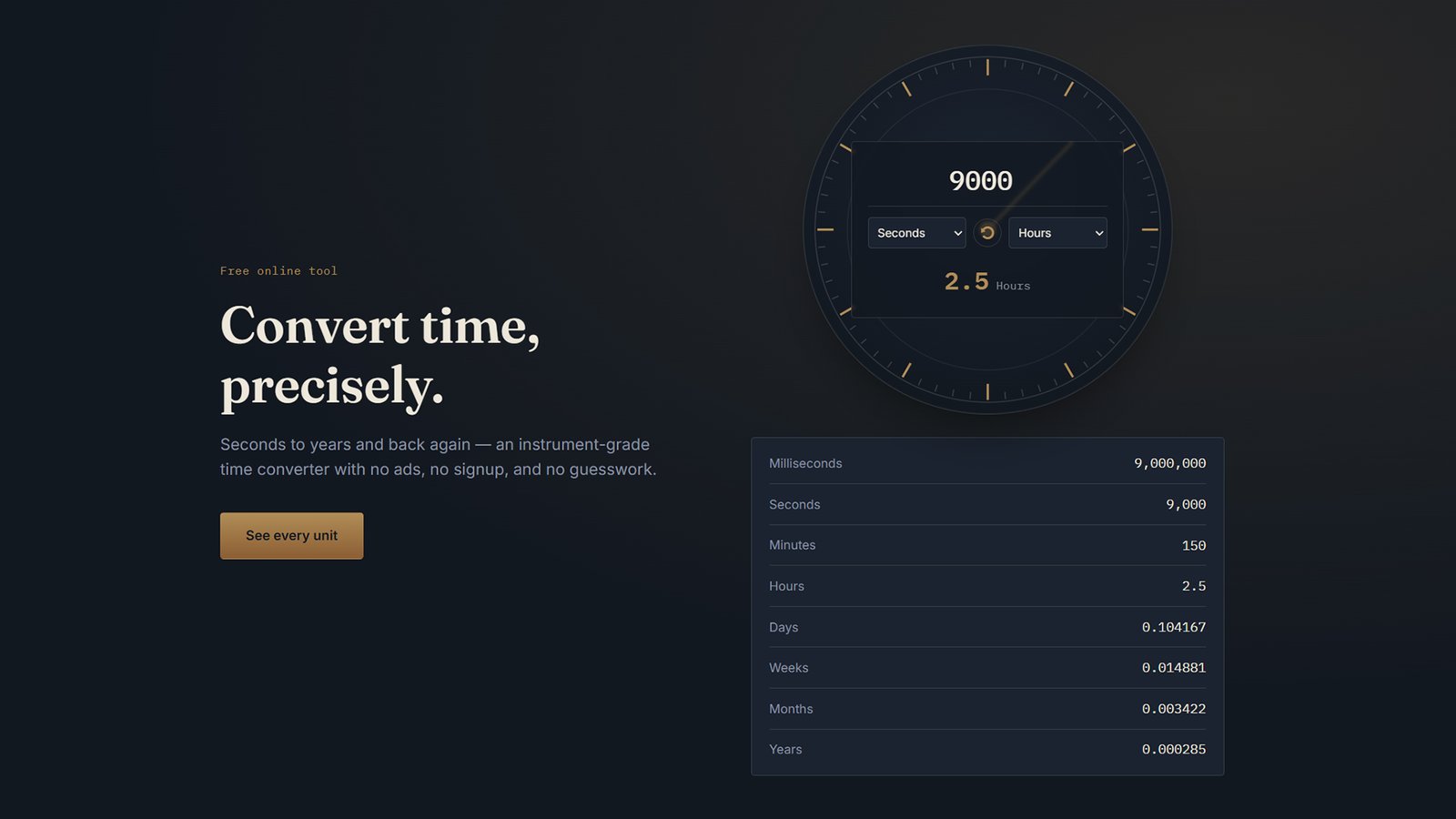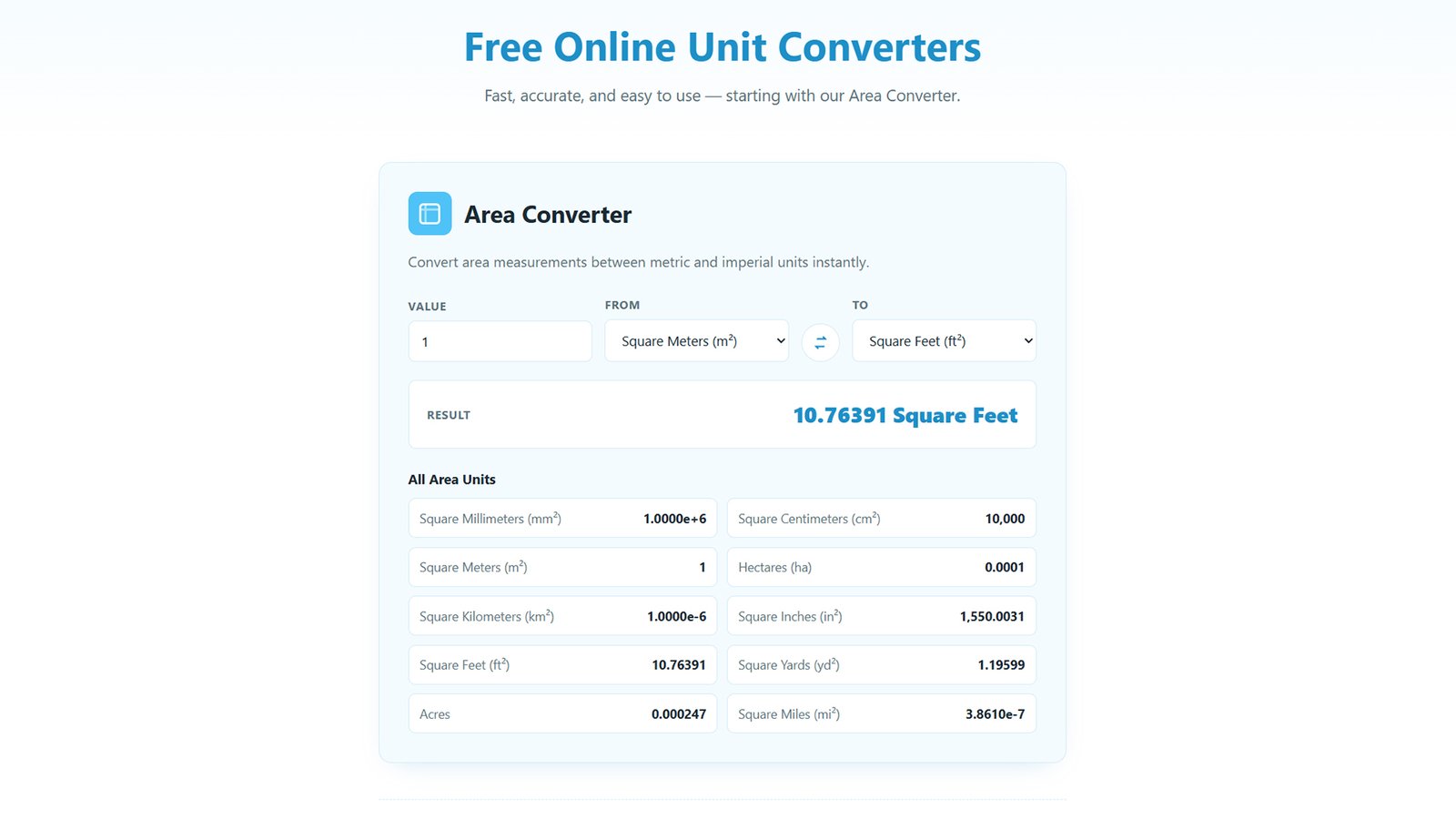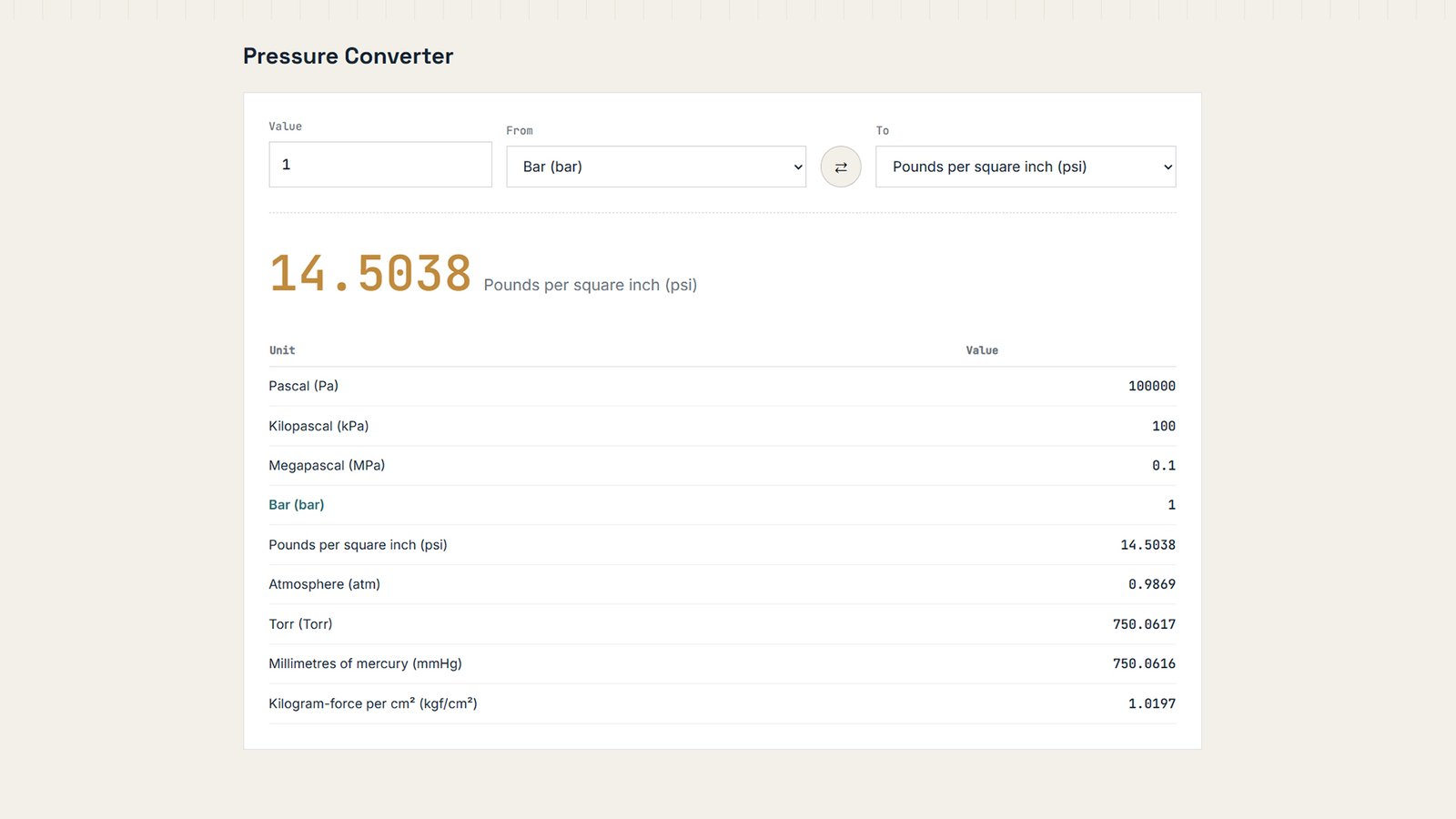
Download a free WordPress theme with a live pressure unit converter (Pa, bar, PSI, ATM, torr, mmHg). Fully customizable colors, layout & copy — no code needed.
How to Install (post body section)
How to Install the Pressure Converter WordPress Theme
- Download the theme. Get the
pressure-converter-theme.zipfile — no need to unzip it. - Log in to WordPress admin. Go to your dashboard at
yoursite.com/wp-admin. - Open the theme uploader. Navigate to Appearance → Themes → Add New → Upload Theme.
- Upload the ZIP file. Click Choose File, select
pressure-converter-theme.zip, then click Install Now. - Activate the theme. Once installed, click Activate.
- Set your homepage. Go to Settings → Reading and confirm your homepage displays the front page — the theme’s converter tool loads automatically there.
- Customize everything. Open Appearance → Customize → Front Page Layout to edit the hero text, converter defaults, colors, section order, and footer — all without touching code.
- Preview and publish. Review your changes in the live preview, then click Publish.