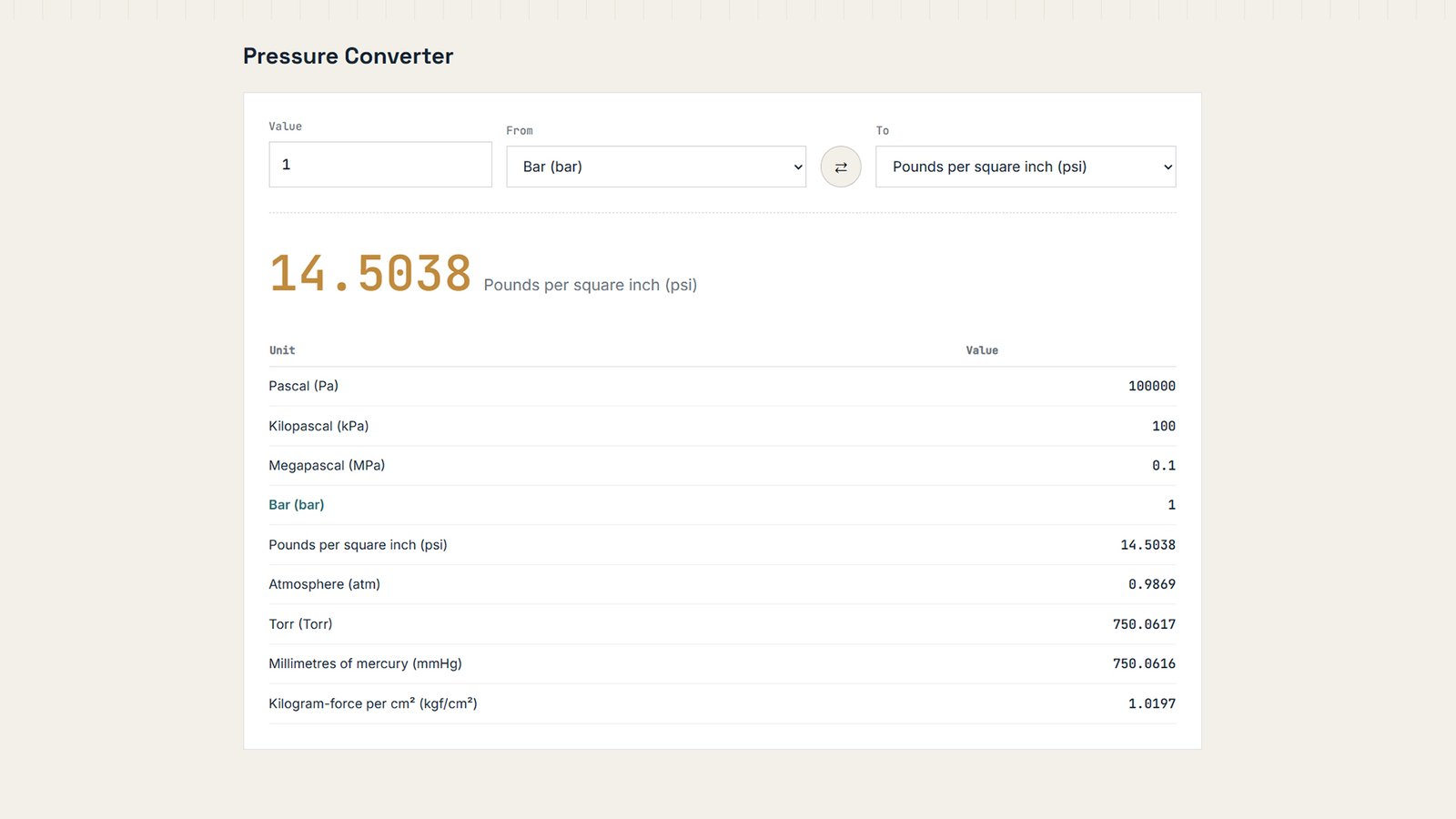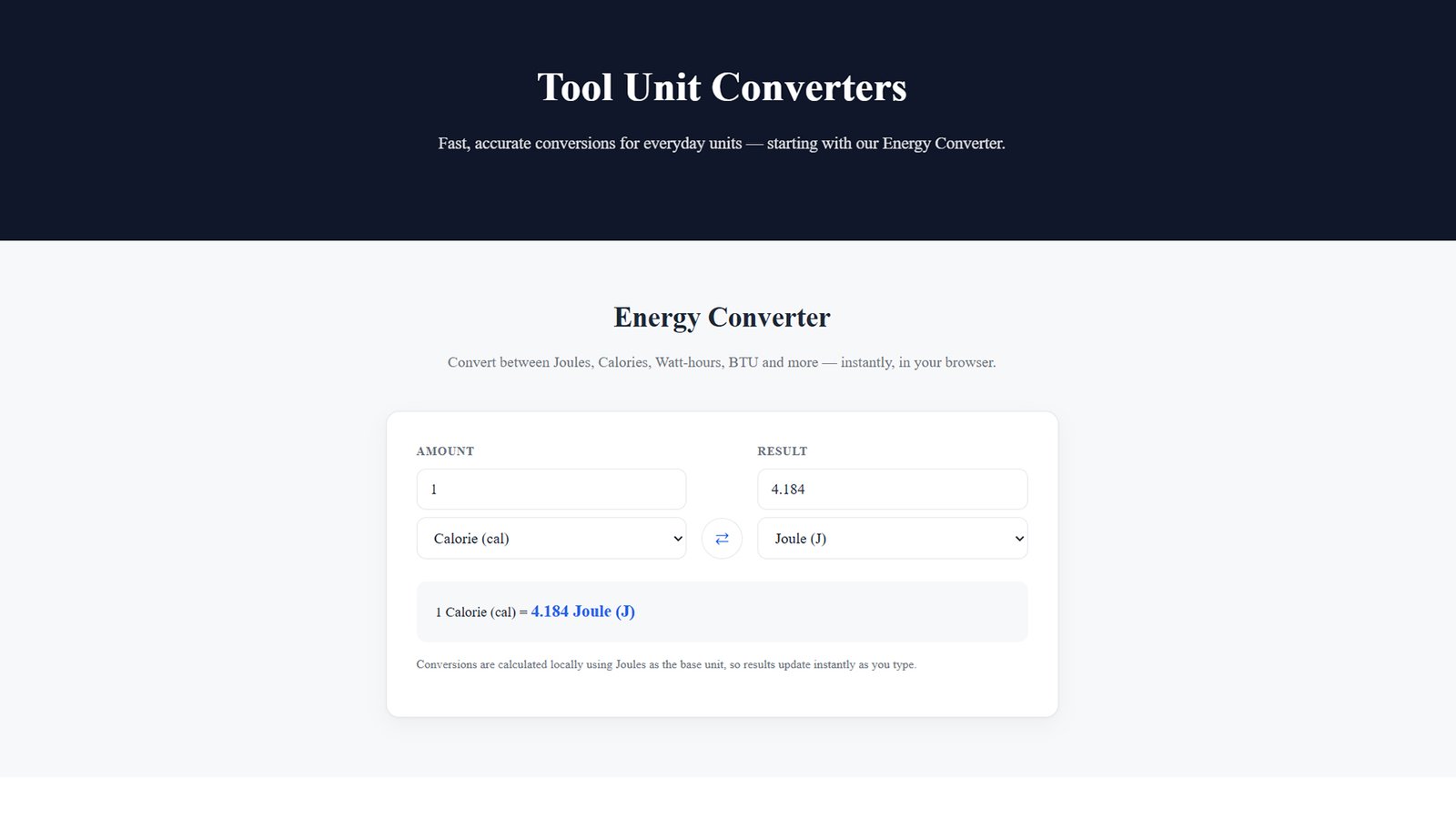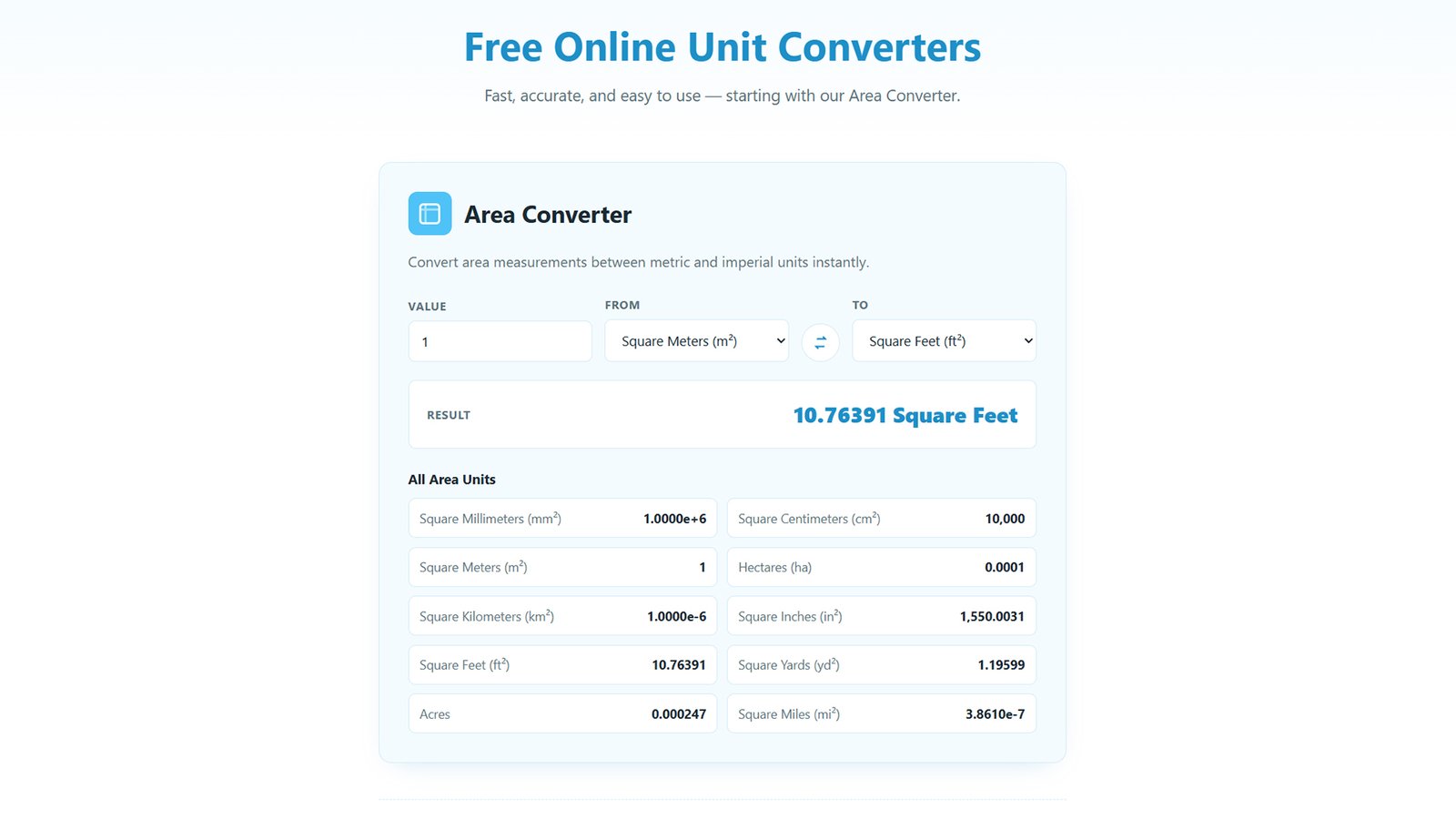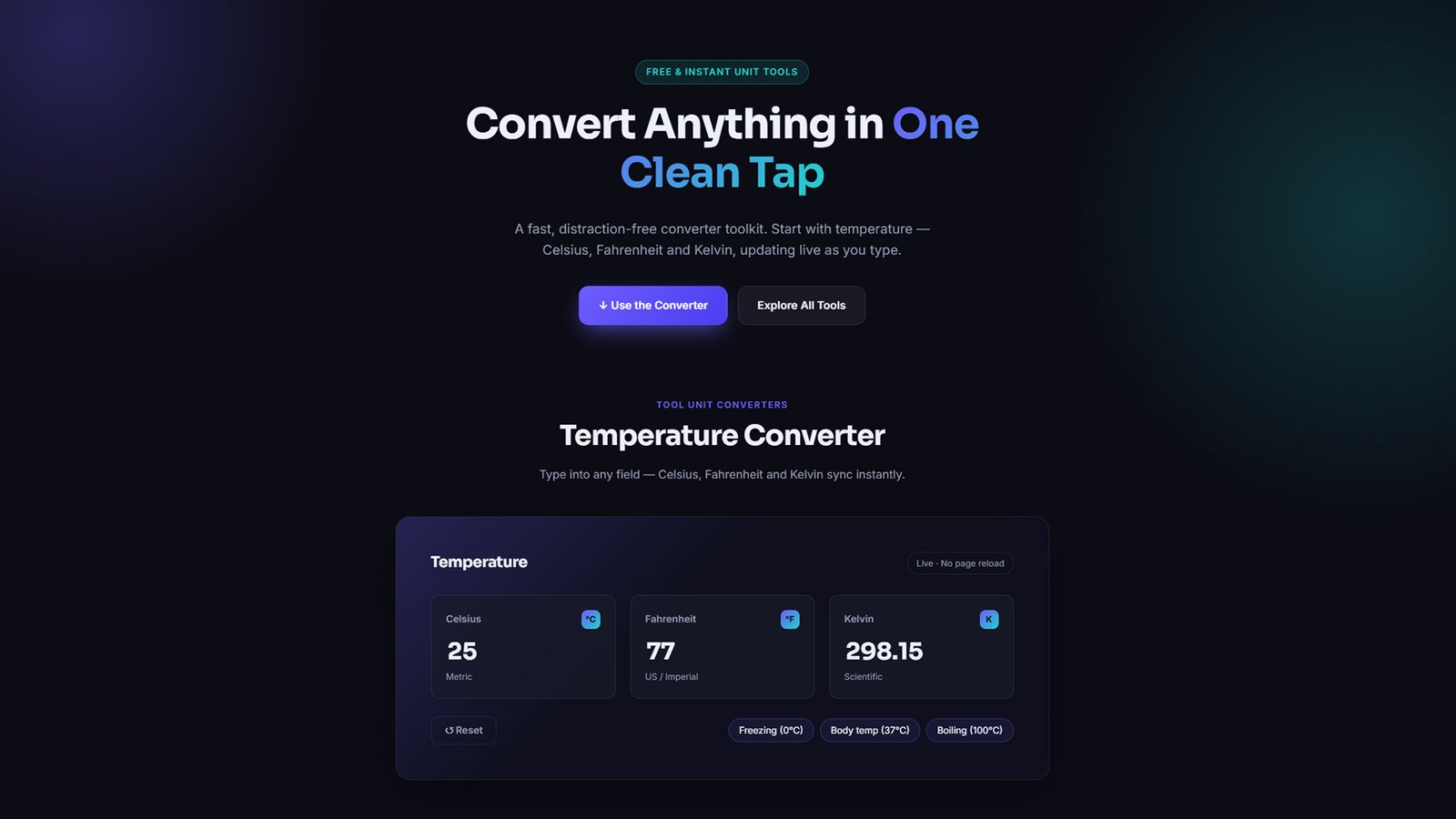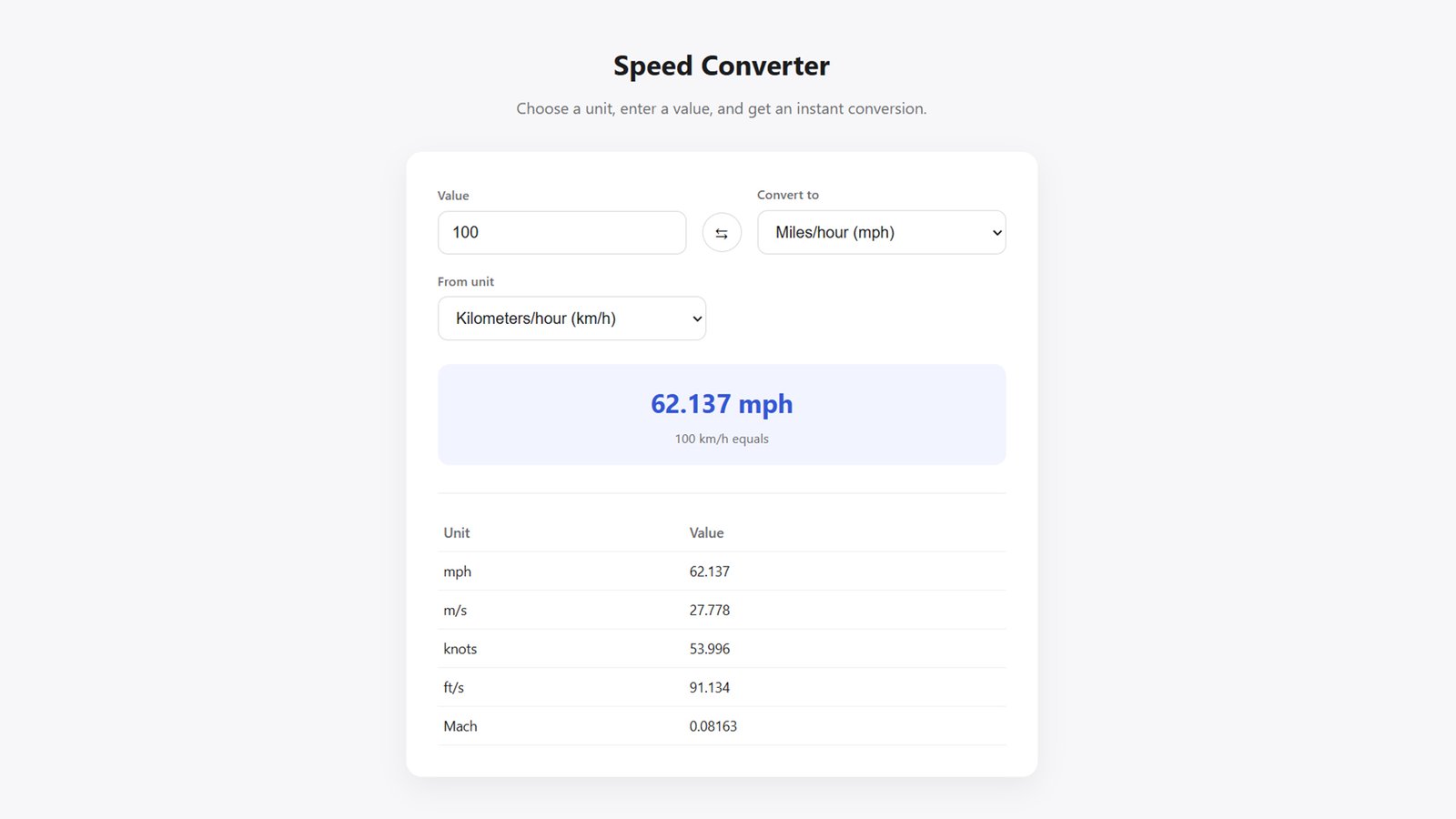
Download UnitLab, a free WordPress theme with a built-in Speed Converter tool. Fully customizable colors, layout, and text — no coding required. Install in minutes.
How to Install UnitLab WordPress Theme
Step 1: Download the Theme
Download the unitlab.zip file to your computer. Don’t unzip it — WordPress installs themes directly from the zip file.
Step 2: Upload to WordPress
Log in to your WordPress dashboard, go to Appearance → Themes → Add New → Upload Theme, then click Choose File and select unitlab.zip.
Step 3: Install and Activate
Click Install Now, wait for the upload to finish, then click Activate to make UnitLab your live theme.
Step 4: Set Your Homepage
Go to Settings → Reading. Under “Your homepage displays,” select A static page, and choose or create any page to use as your homepage — UnitLab automatically loads its custom front-page design (hero + Speed Converter) regardless of that page’s content.
Step 5: Customize Your Site
Go to Appearance → Customize → UnitLab Front Page. From here you can edit:
- Hero title, subtitle, and colors
- Speed Converter heading, description, style, and default units
- Feature highlight columns
- Global colors, layout width, and footer text
Step 6: Set Up Menus and Logo
Add your logo and site title under Appearance → Customize → Site Identity, and create navigation menus under Appearance → Menus.
That’s it — your WordPress site now has a fully functional, on-brand Speed Converter tool live on the homepage.